Activating Accelerate - Bulk Editing Tool
Overview
Accelerate is a Bulk Editing Tool which allows you to modify the content, dates, and rates of multiple tours at once. This tool works by connecting your Google account with your Vacation Labs account and giving it access to your Google Drive. Accelerate creates a Google Sheet in your Google Drive which is then used to push existing content, dates, and rates of your tours into a Google Sheet and make any changes or modifications in bulk to one or multiple tours.
- Activating Accelerate Plugin
- Accessing the Accelerate Plugin
Activating the Accelerate Plugin for your VL Account
In this article we will go through the process of activating the tool for your Vacation Labs account. Accelerate is a default feature available for all Pro Bundle, Pro Website Builder and Pro Booking Engine clients. Customers who are on a Basic Bundle, Basic Website Builder Basic Booking Engine can request for activation of this feature at an additional cost. You can contact our sales team at sales@vacationlabs.com or drop us an email at support@vacationlabs.com to know about the latest prices and rates.
Steps for accessing the Accelerate Plugin
Please follow these steps to begin using Accelerate:
-
Login to your Vacation Labs account
-
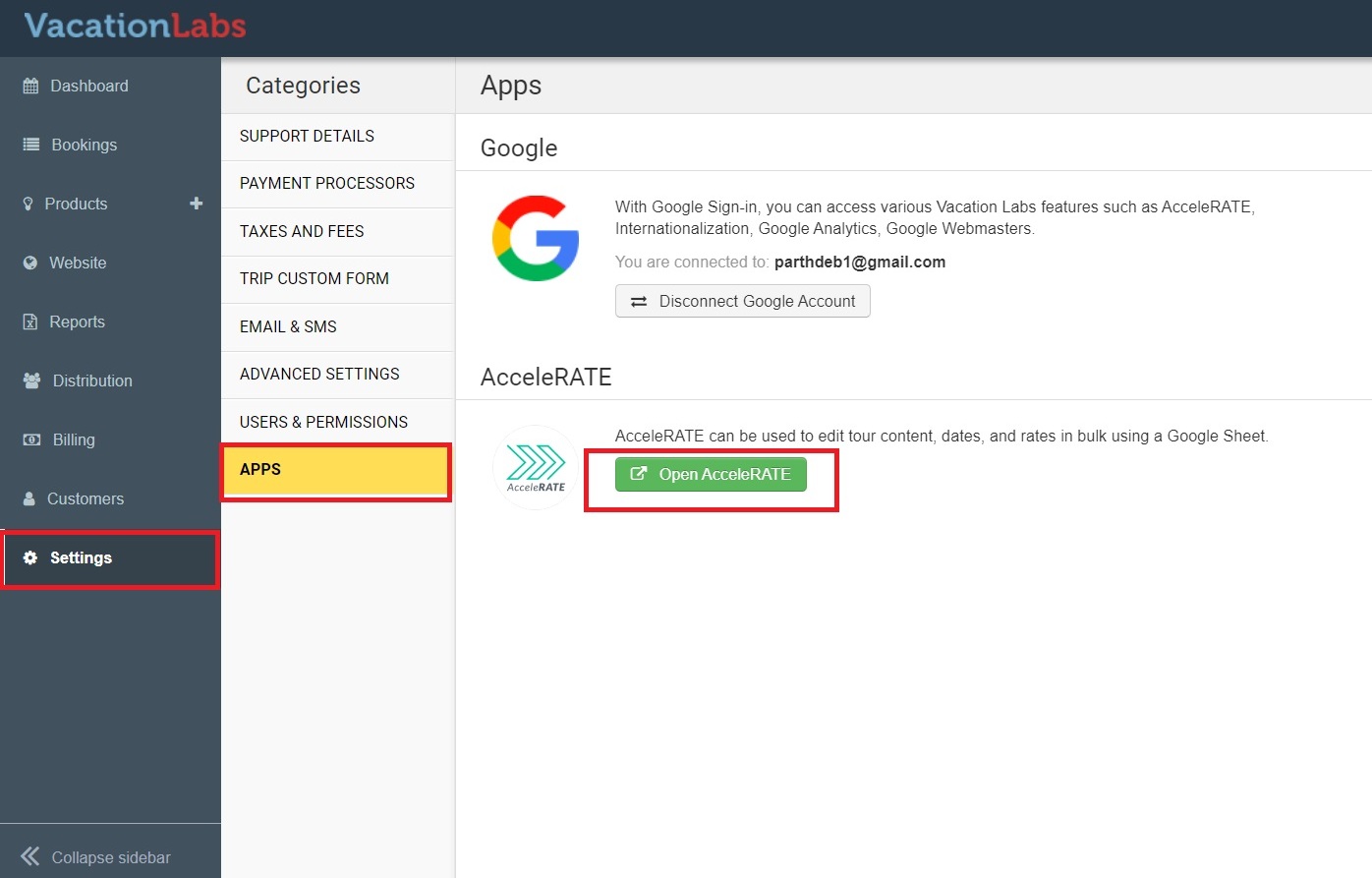
Go to Settings > Apps section and click on open Accelerate (refer screenshot below)
-
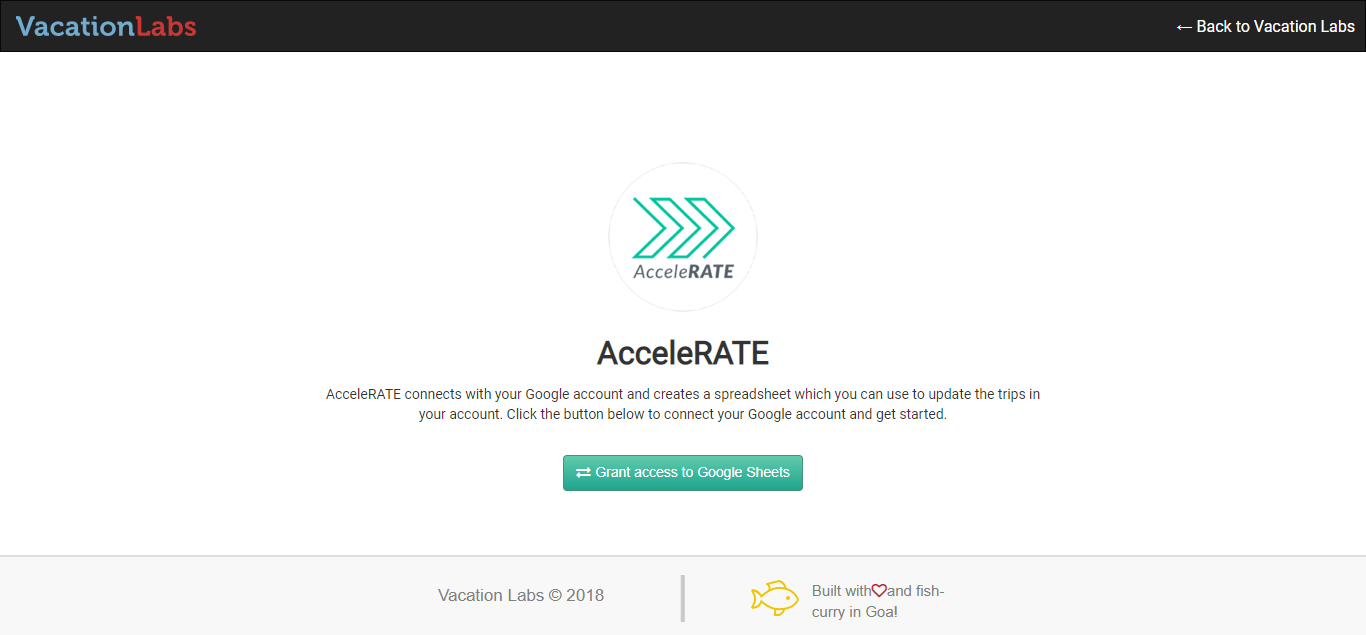
After clicking you will arrive on a page like this:
-
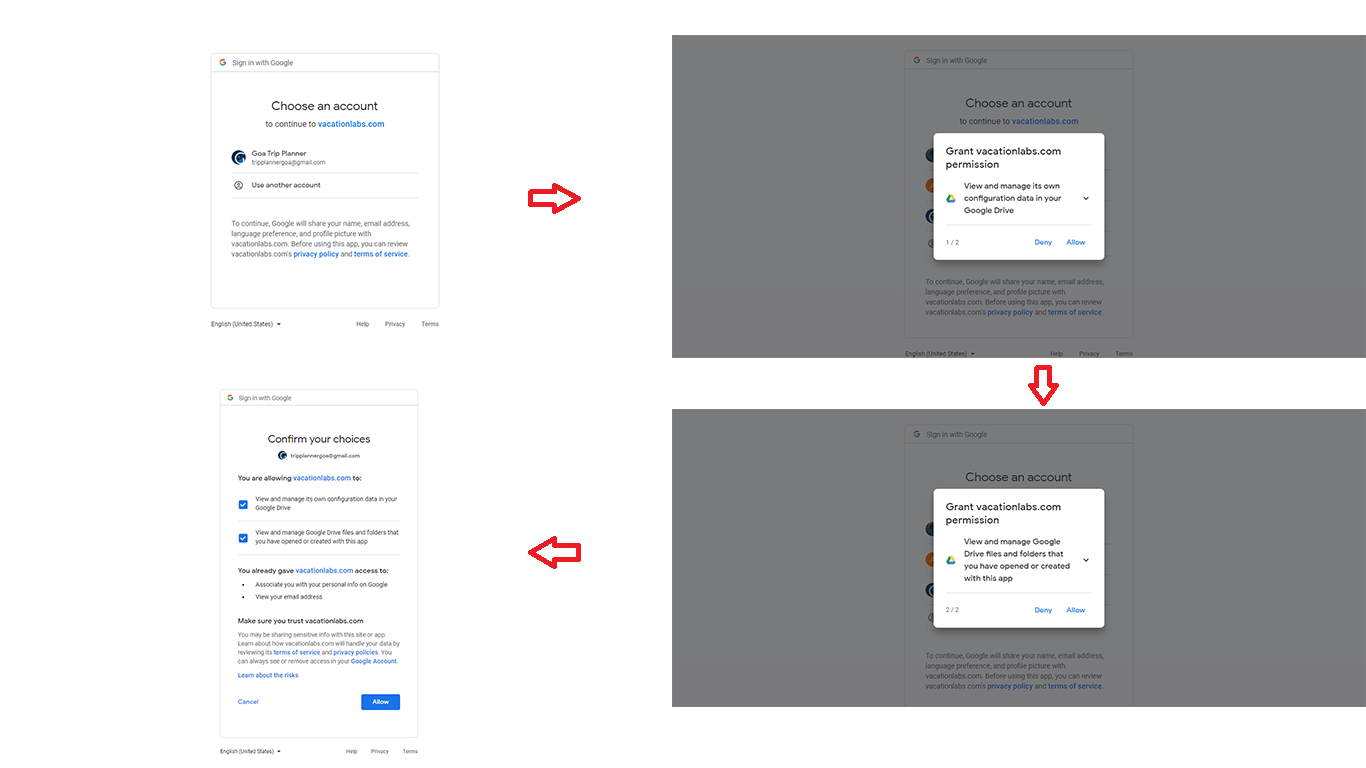
Click on Grant Access to Google Sheets and proceed with the next steps by allowing the app to access Google Sheets:
-
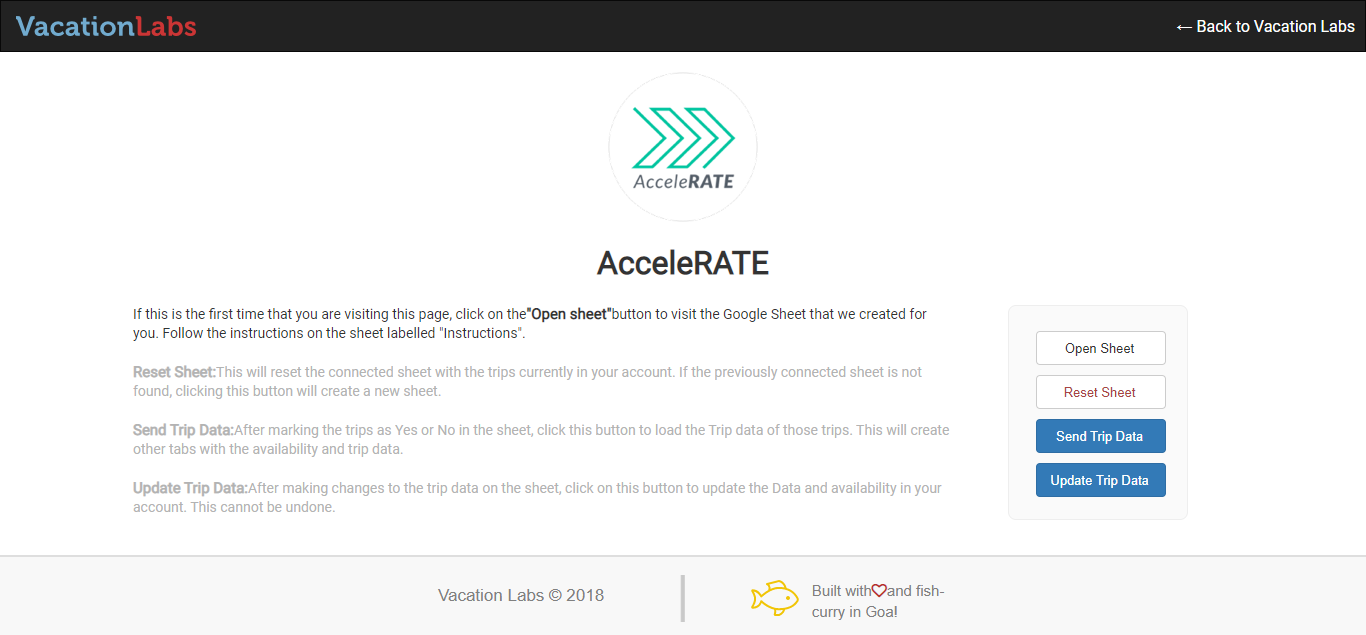
Once you have given full access you will arrive on the Accelerate page:
-
Now click on OPEN SHEET button which will create a blank google sheet
-
Once the sheet is created, click on the RESET SHEET button which will push the list of all active trips on the google sheet with Trip name and Trip Code
Pushing existing content, dates, and rates for selected tours
Tip
To learn more about how to push exiting content, dates and rates for selected tours please check out this support article