Activating Advanced Search and Segmented Search on the website
Managing Search on the website
Updated
You can add the Advanced Search Widget to any static page of your website by following these steps:
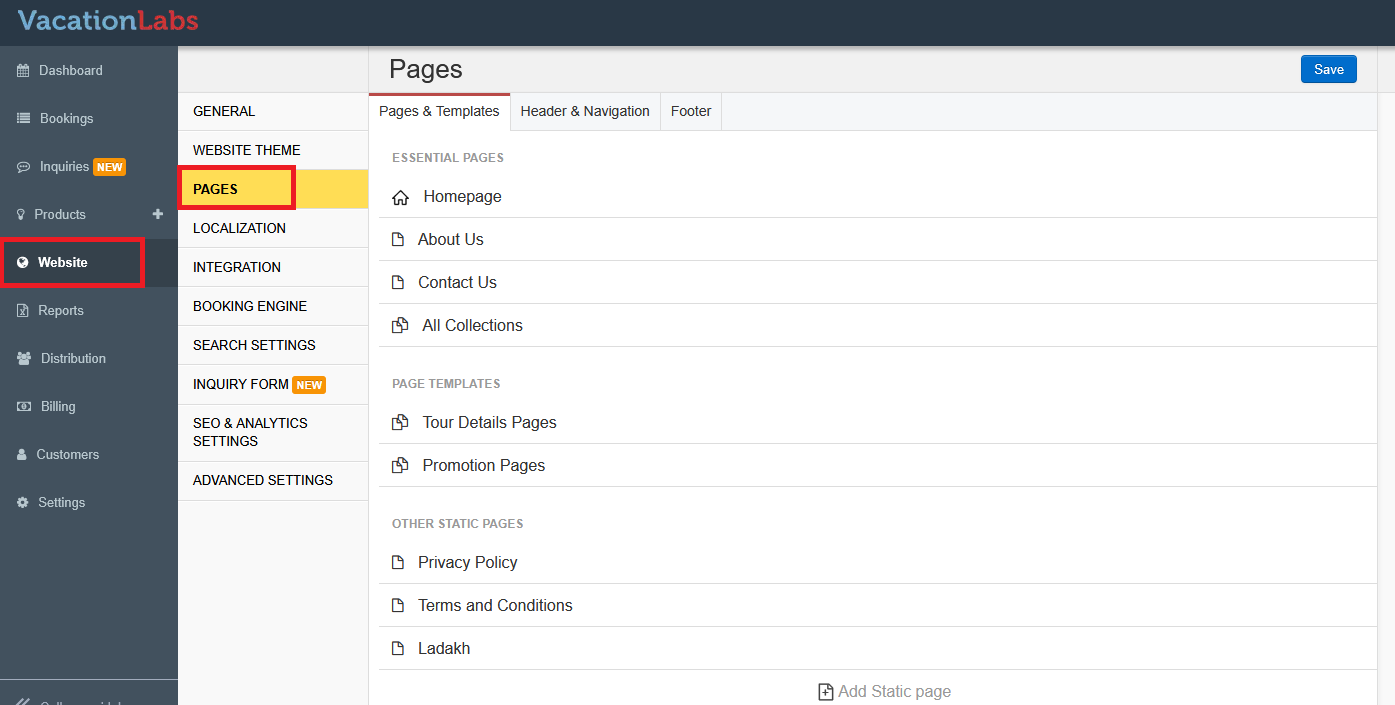
To add the Advanced Search Widget, go to Website > Pages. From the list of available pages, select the page where you’d like the widget to appear.
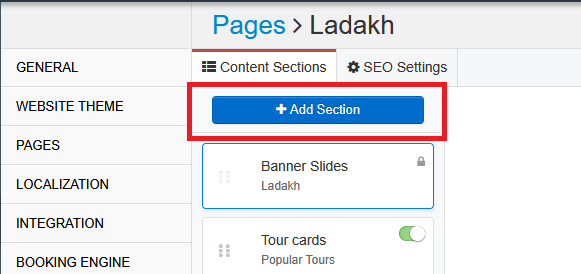
In the editor, click Add a Section, and from the dropdown, choose Advanced Search Widget.
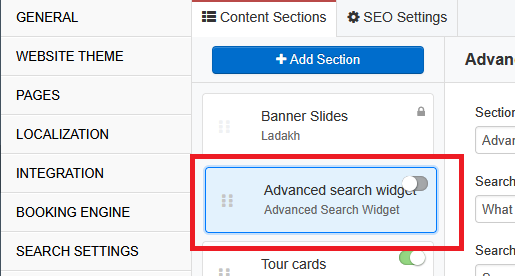
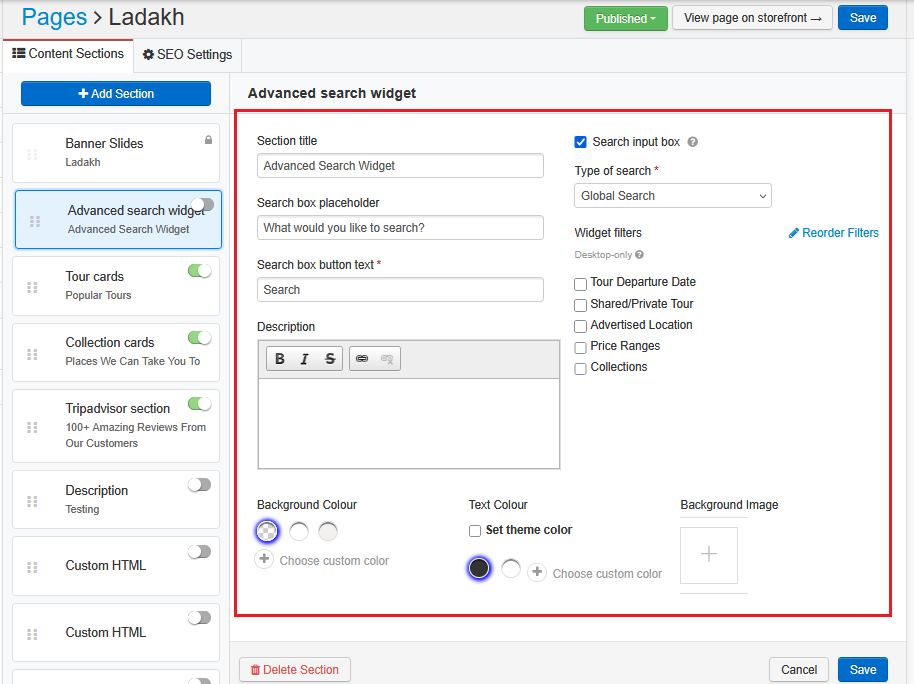
The widget will now appear in your list of sections. Turn it ON, then click on it to access settings where you can customize the background color, title, and filters.
Tip
Please click here to know more about Creating Custom Search Filters