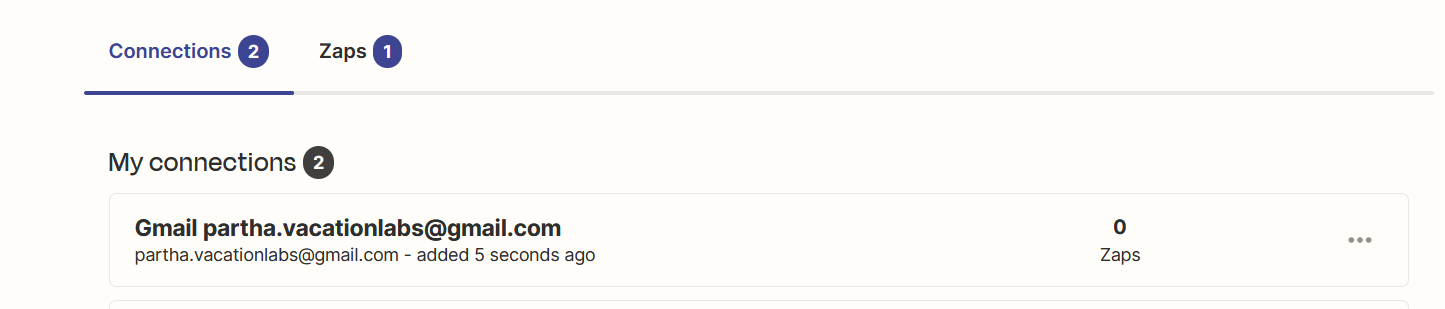
Connecting Gmail Account in Zapier
Vacation Labs ⇌ Zapier
Updated
Follow these steps to connect your Gmail account in Zapier:
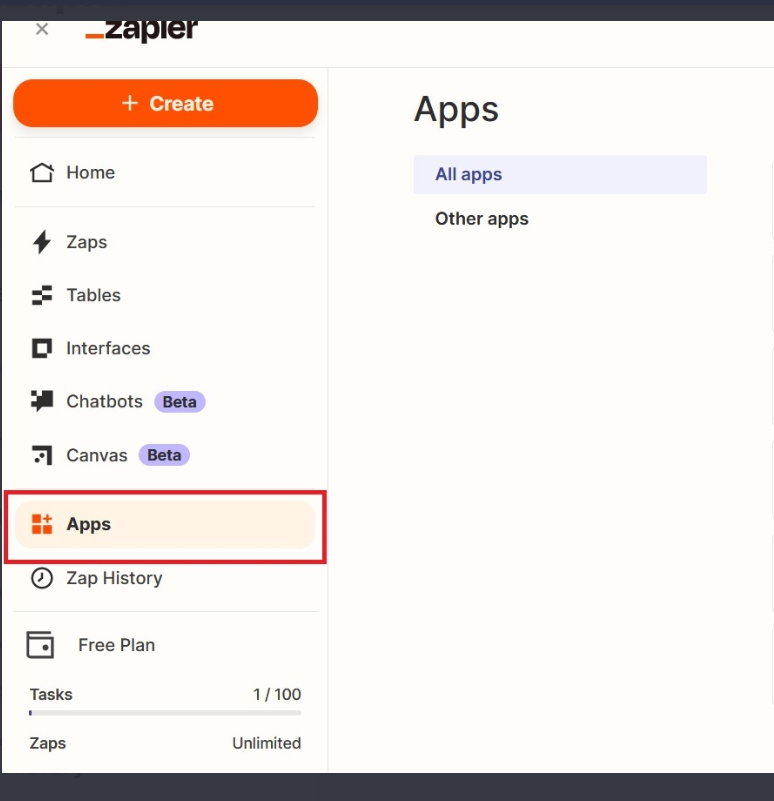
To connect your Gmail account in Zapier, sign in to your Zapier account and go to the Apps section.
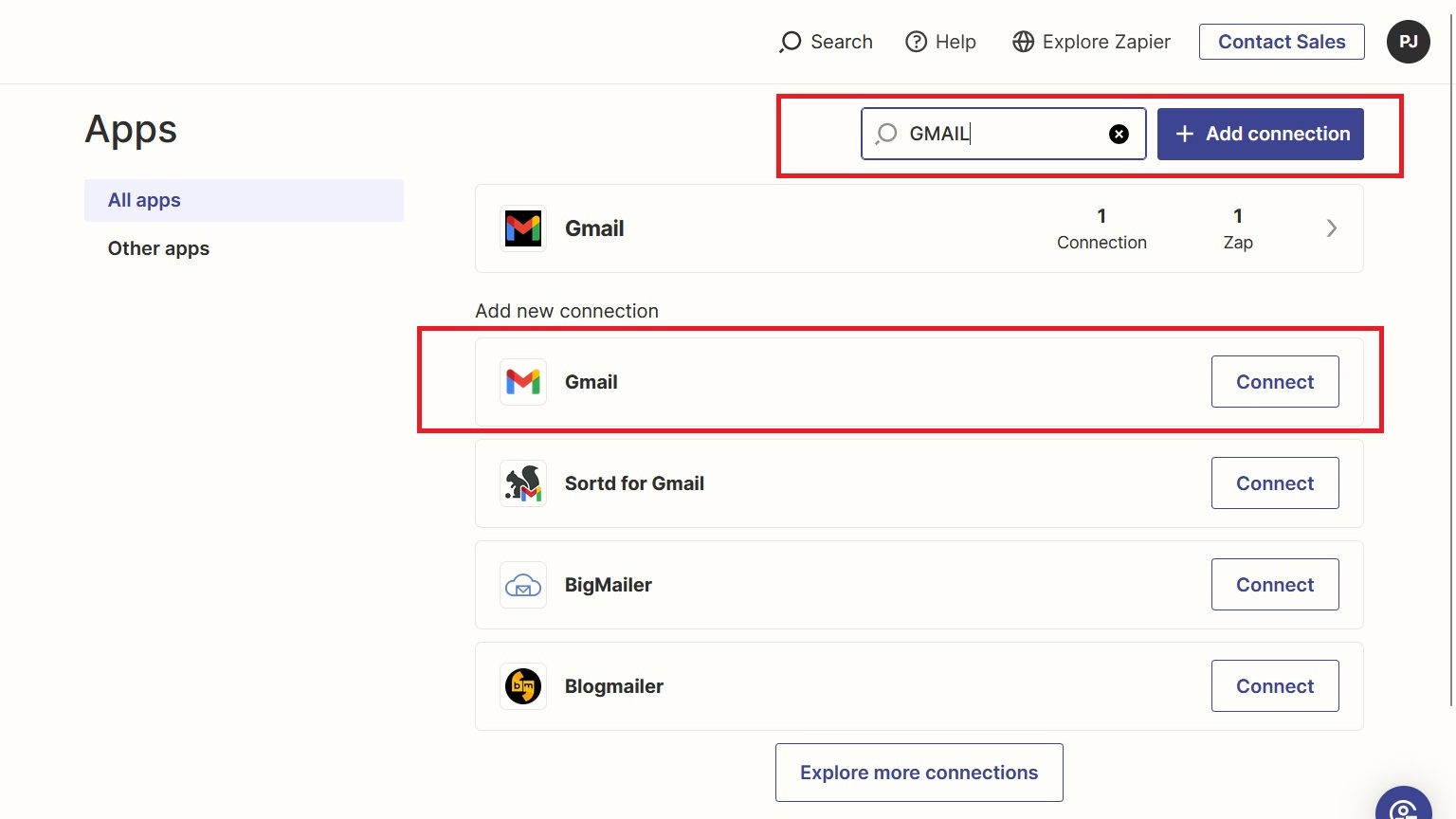
In the search bar, type Gmail or the name of your email service provider, then click Connect.
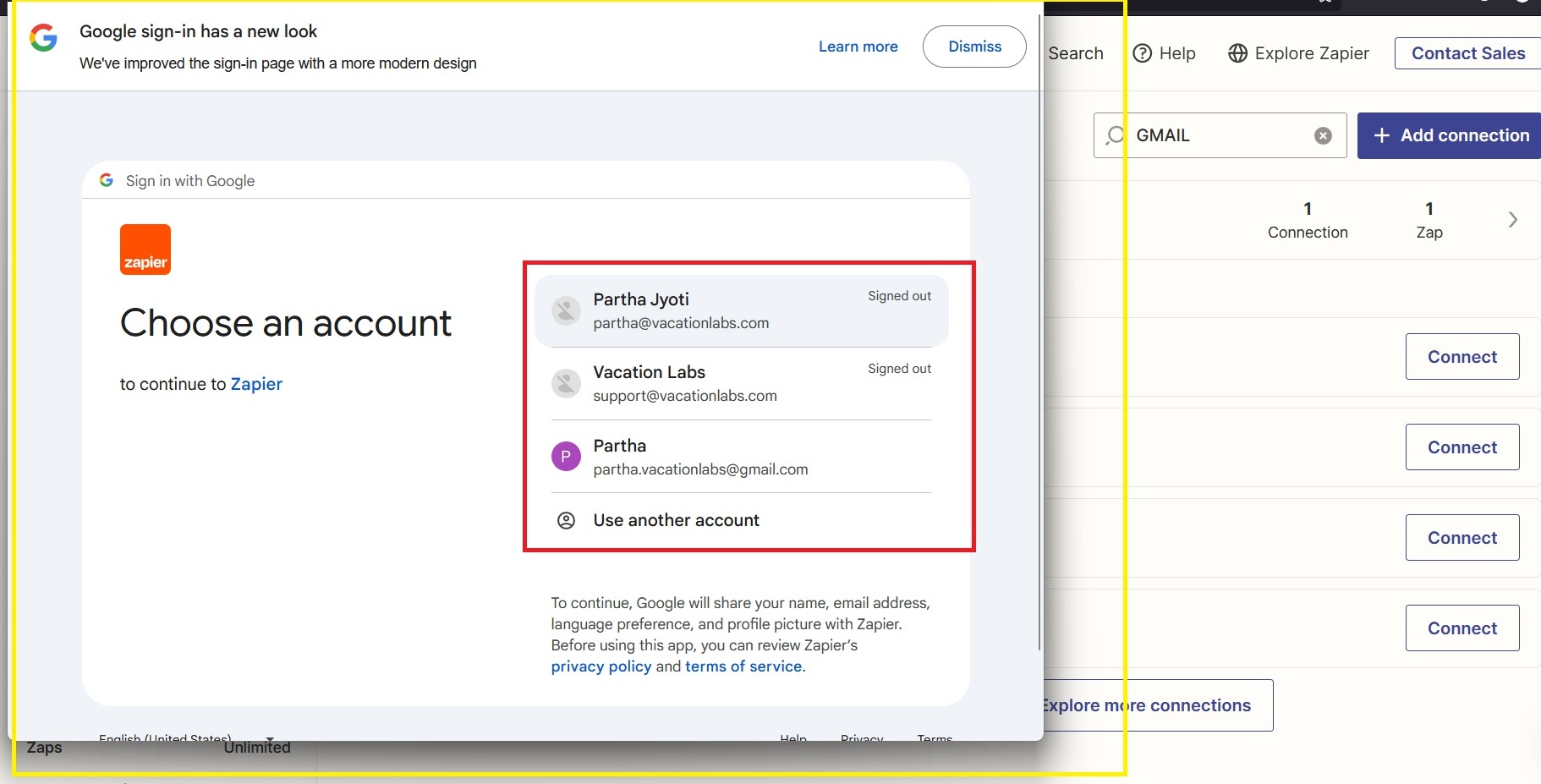
A pop-up will appear where you can select your Gmail account ID.
Allow all the required permissions, then click Continue. Once connected, your Gmail account will appear in Zapier under Connections.