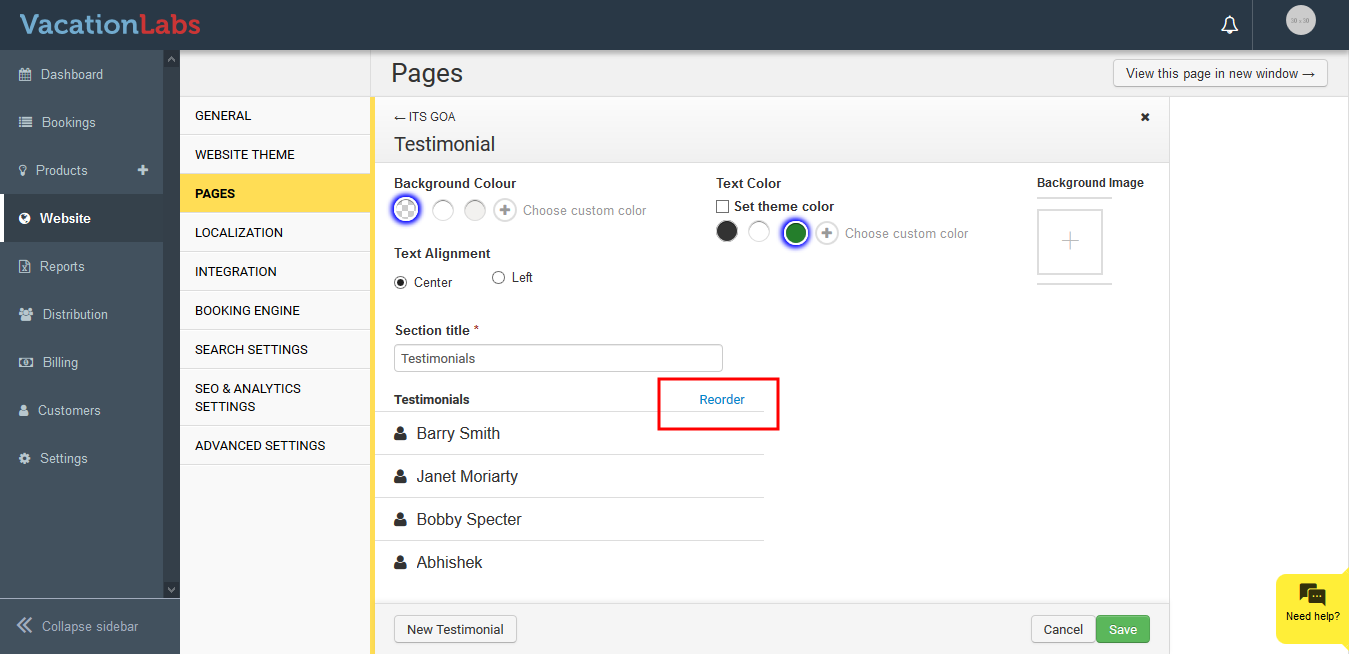
How to edit/add testimonials?
FAQs
Updated
To Edit Testimonials please follow the below steps,
-
Login into Vacation labs
-
Click on Website
-
Click on Pages
-
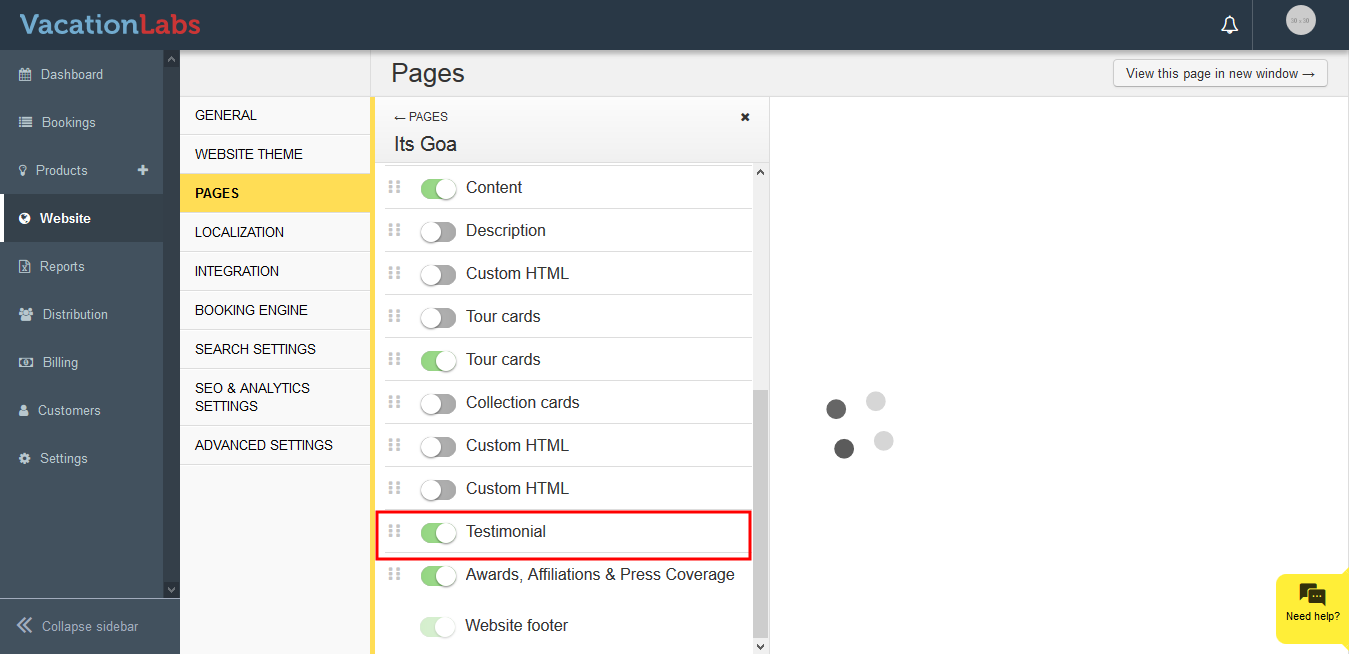
Select the page on which the testimonial needs to be added/edited
-
Click on Testimonial
-
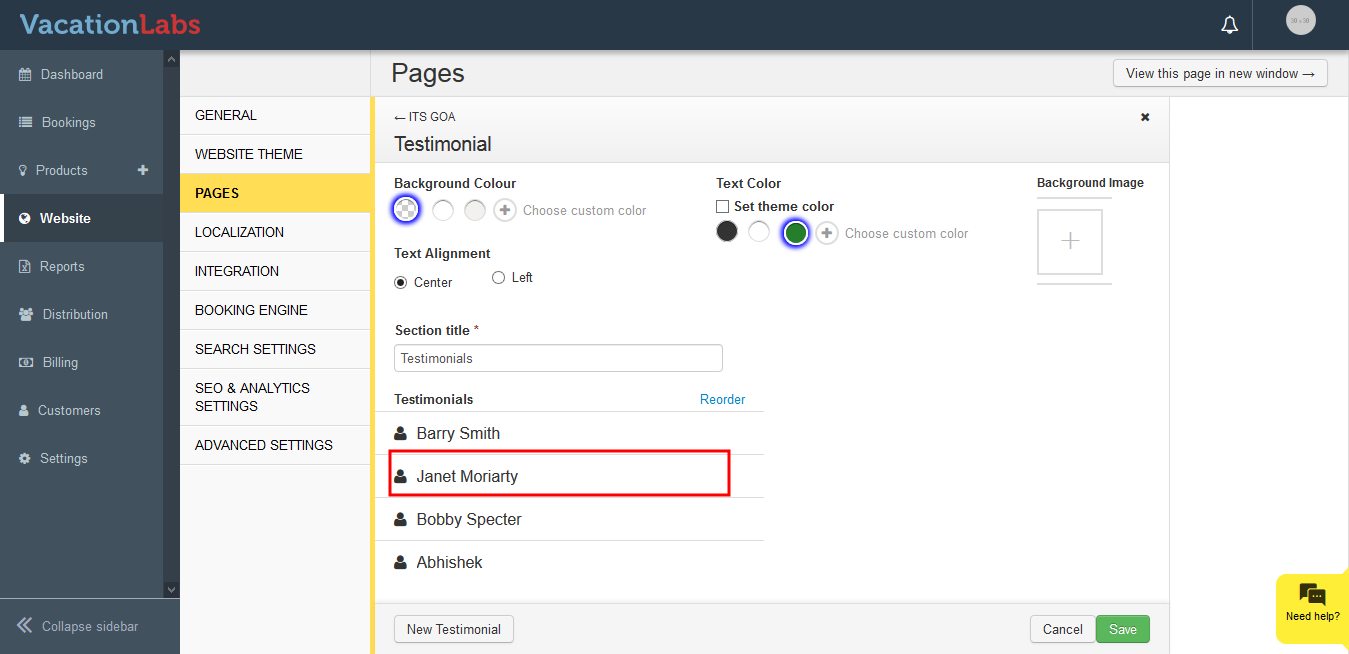
Click on the Name of the testimonial to edit
-
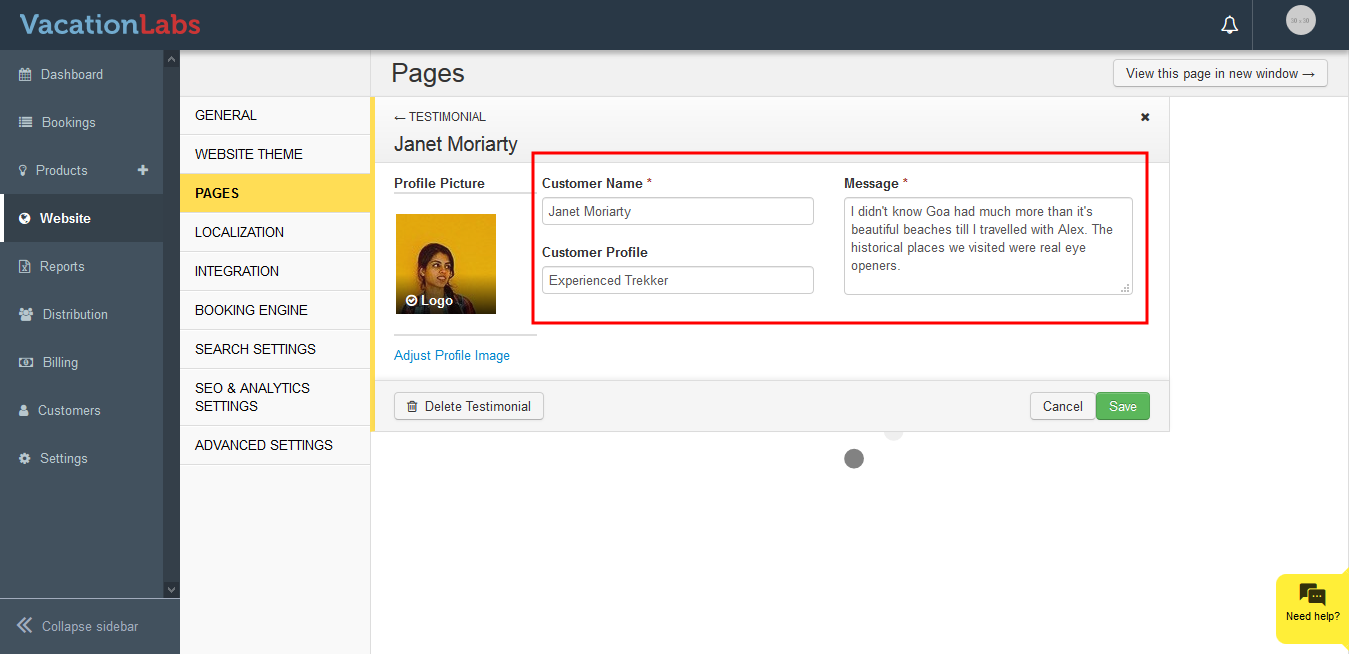
Edit the content you wish
-
Click on Save
To Add Testimonials please follow the below steps,
-
Login into Vacation labs
-
Click on Website
-
Click on Pages
-
Select the page on which the testimonial needs to be added/edited
-
Click on Testimonial
-
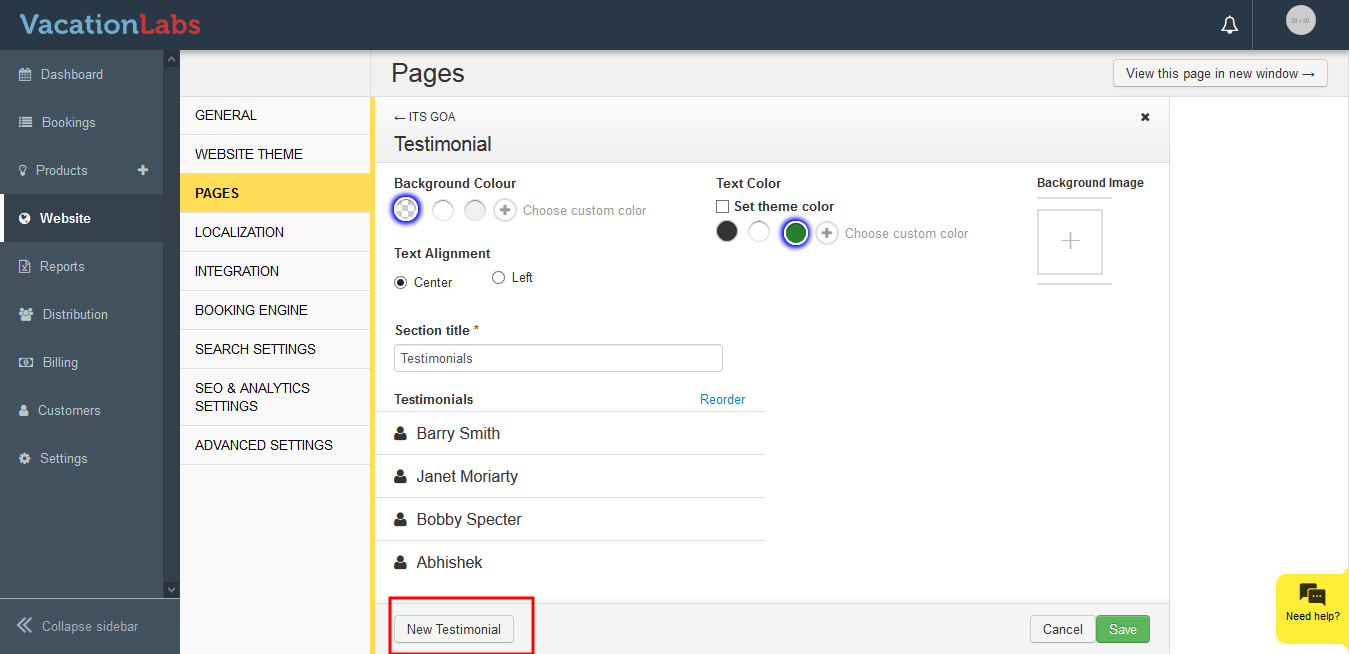
Click on **New Testimonial **
-
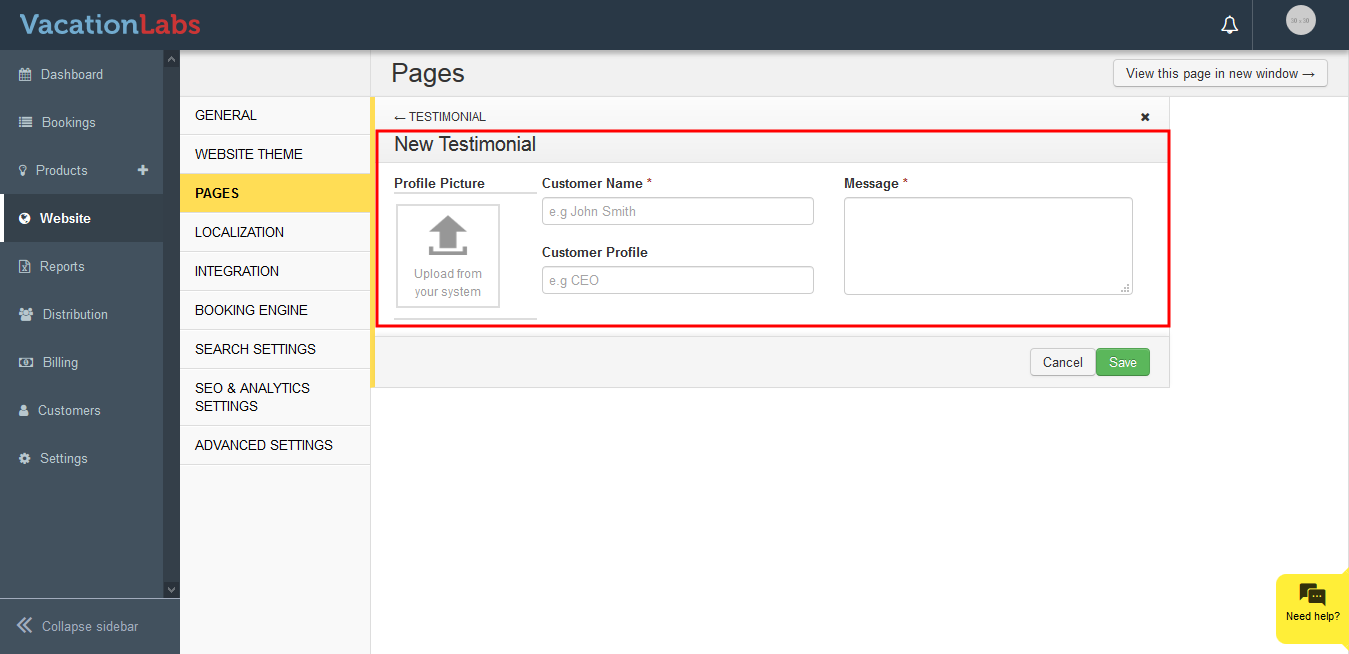
Add the **Customer Name, Profile, Message, Photo
 **
** -
Click on Save
You can also reorder the testimonials using the reorder option in Testimonials Section.