Modifying Number and Currency format
Modifying Number and Currency Format
This section allows you to modify the currency formats for your website including the decimals, precision, thousands separator, etc
Please follow the below steps to make the changes,
-
Login to your Vacation Labs account
-
Click on **Website
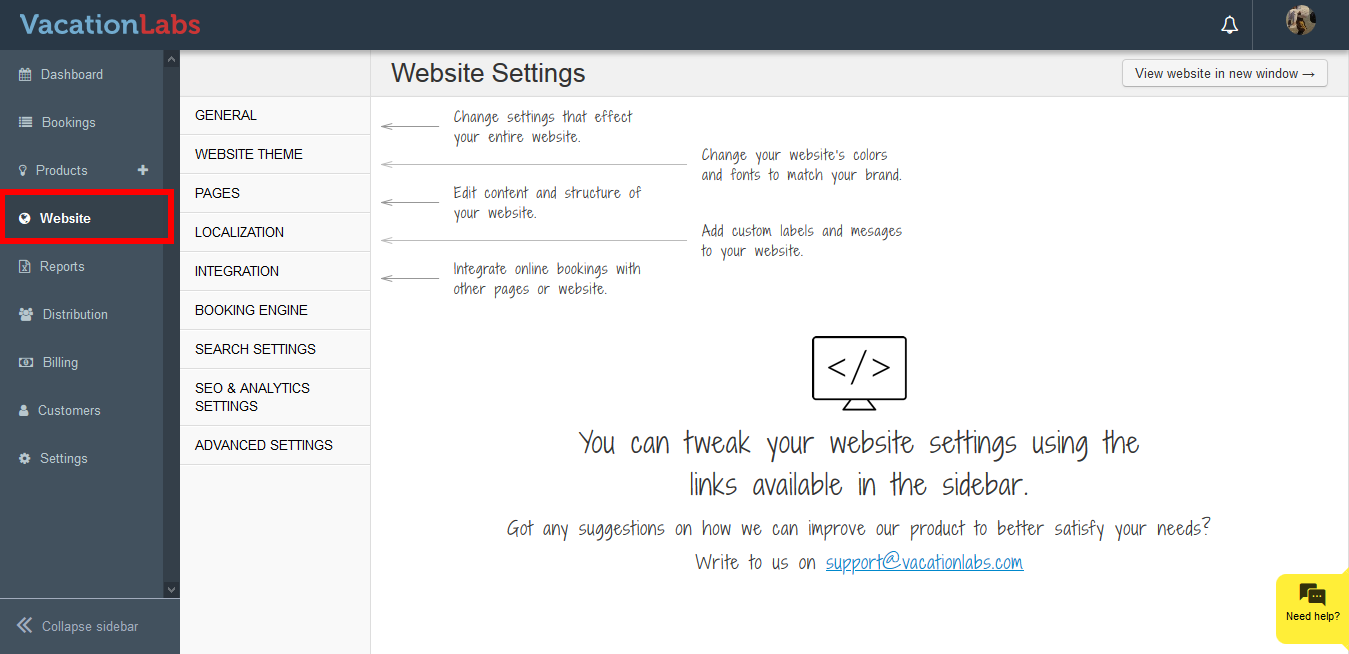 **
** -
Click on **Localization
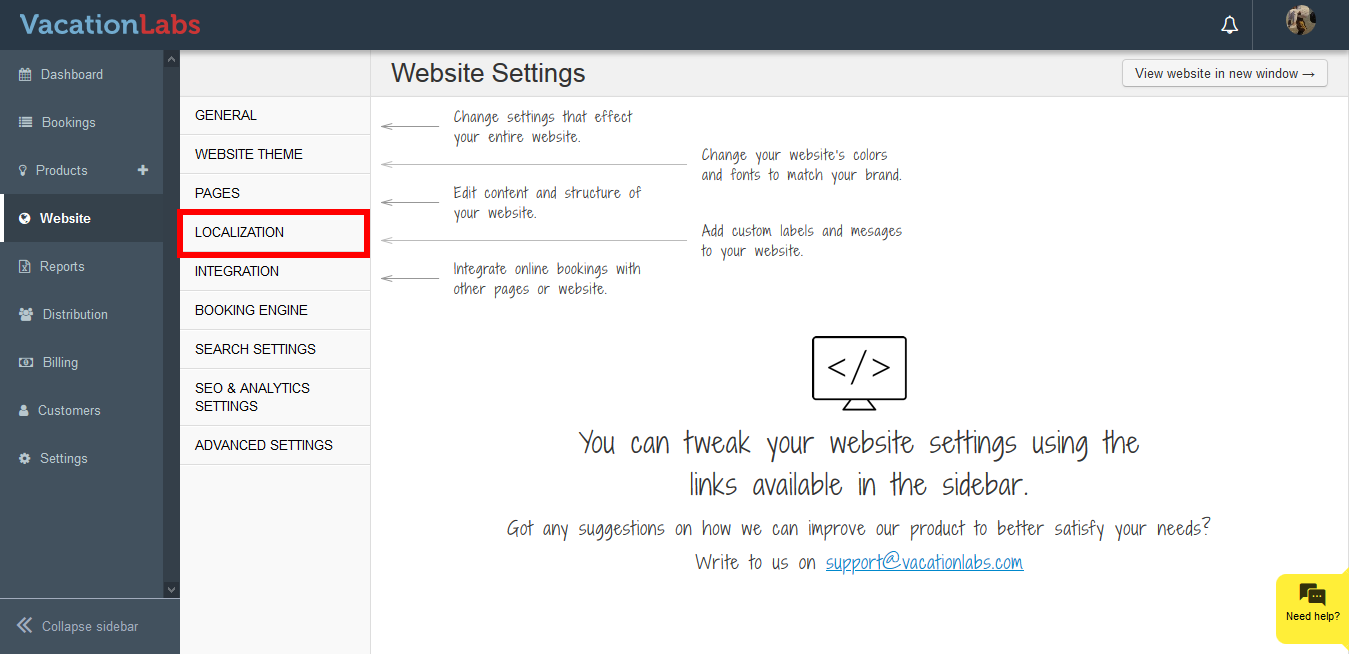 **
** -
Click on **Localization
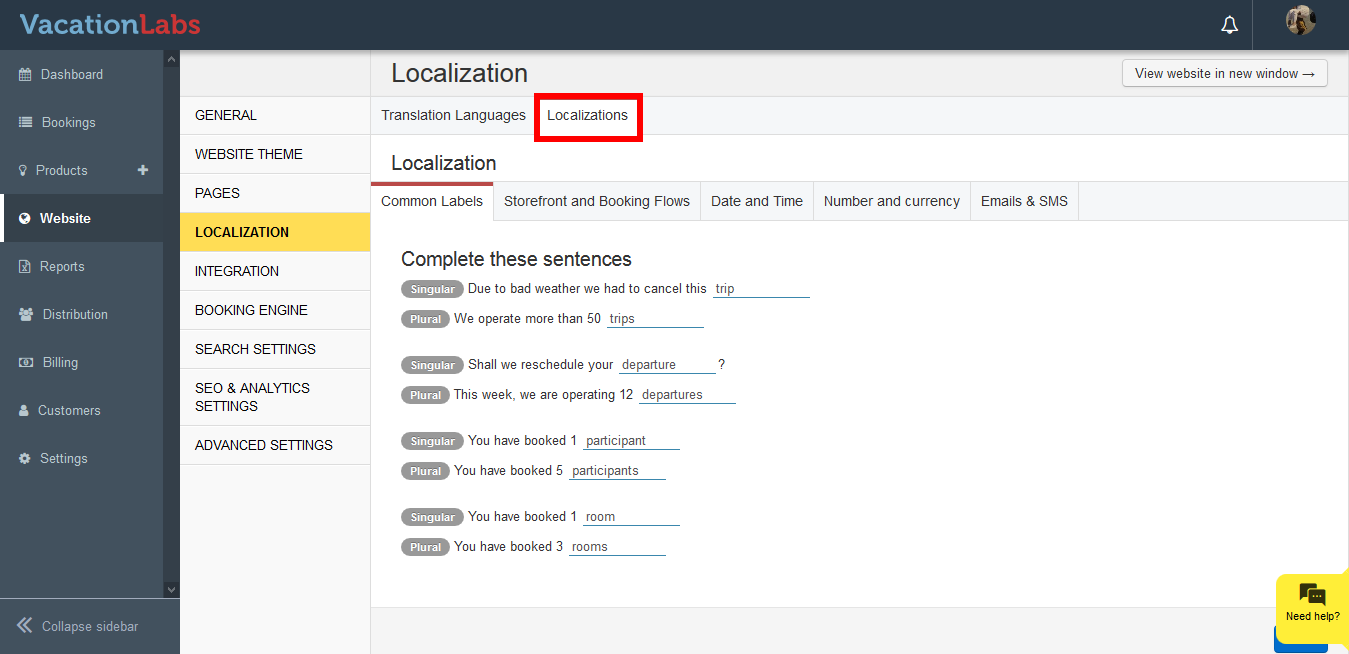 **
** -
Click on Number and Currency
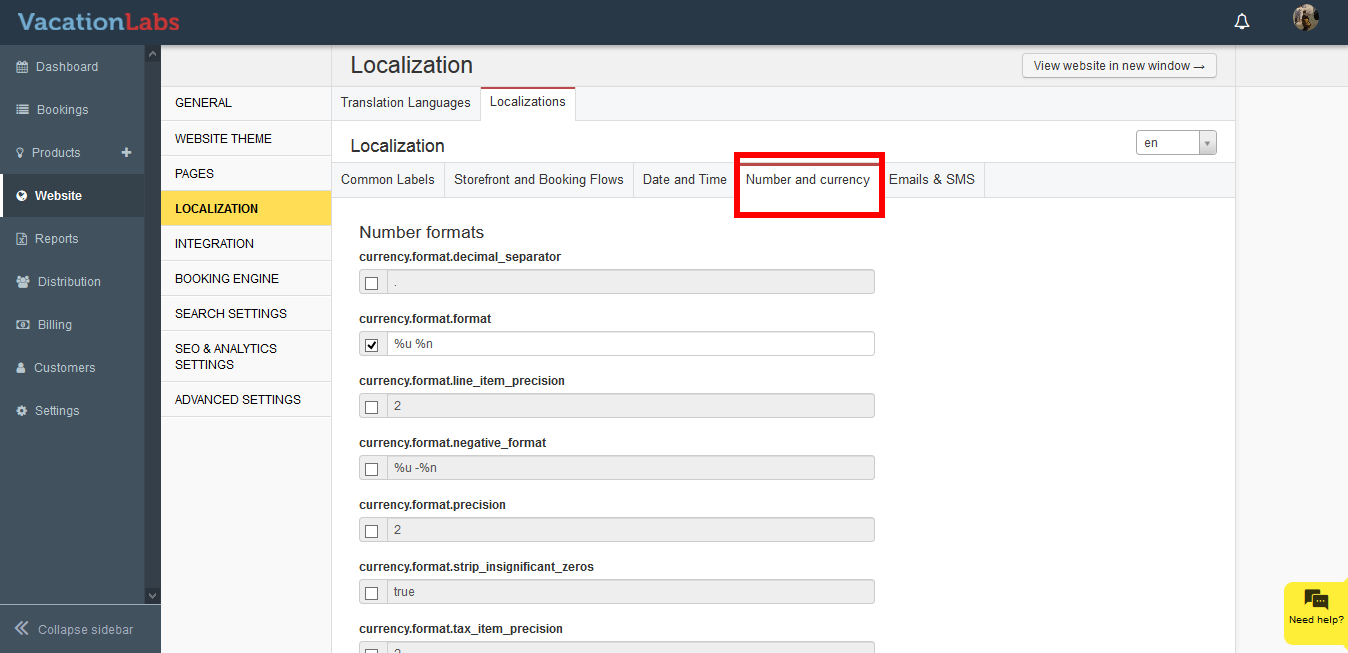
-
Click on the checkbox and edit the sentence.
-
Scroll down to the bottom, and click on Save
Here’s a small index for the different formats that can be used:
<table dir="ltr" cellspacing="0" cellpadding="0" border="1">``<colgroup>``<col width="249">``<col width="189">``</colgroup>``<tbody>``<tr>``<td class=" align-center">Syntax<br>``</td>``<td class=" align-center">Number & Currency<br>``</td>``</tr>``<tr>``<td>.<br>``</td>``<td>oo.o<br>``</td>``</tr>``<tr>``<td>%u %n<br>``</td>``<td>Currency Symbol (example: $,₹, £)<br>``</td>``</tr>``<tr>``<td>``<div> %i %n</div>``</td>``<td>``<div>Currency Code(example: USD,INR, GBP)</div>``</td>``</tr>``<tr>``<td>2<br>``</td>``<td>oo.oo<br>``</td>``</tr>``<tr>``<td>%u -%n<br>``</td>``<td>CurrencySymbol -ve Number<br>``</td>``</tr>``</tbody>``</table>
What’s Next?
You can also modify the Date and Time Format for your website. Please read our support article on