Search and Filtering in a Collection
Managing Search on the website
Updated
The Advanced Search feature allows you to also enable Search and Filtering within a collection, which means that once a customer lands on a Collection page, you can make it easier for them to find what they are looking for by providing them the option to search and filter their results within that collection.
Please follow the below steps to enable Search and Filtering,
-
Login into Vacation Labs
-
Click on Products
-
Click on Collections
-
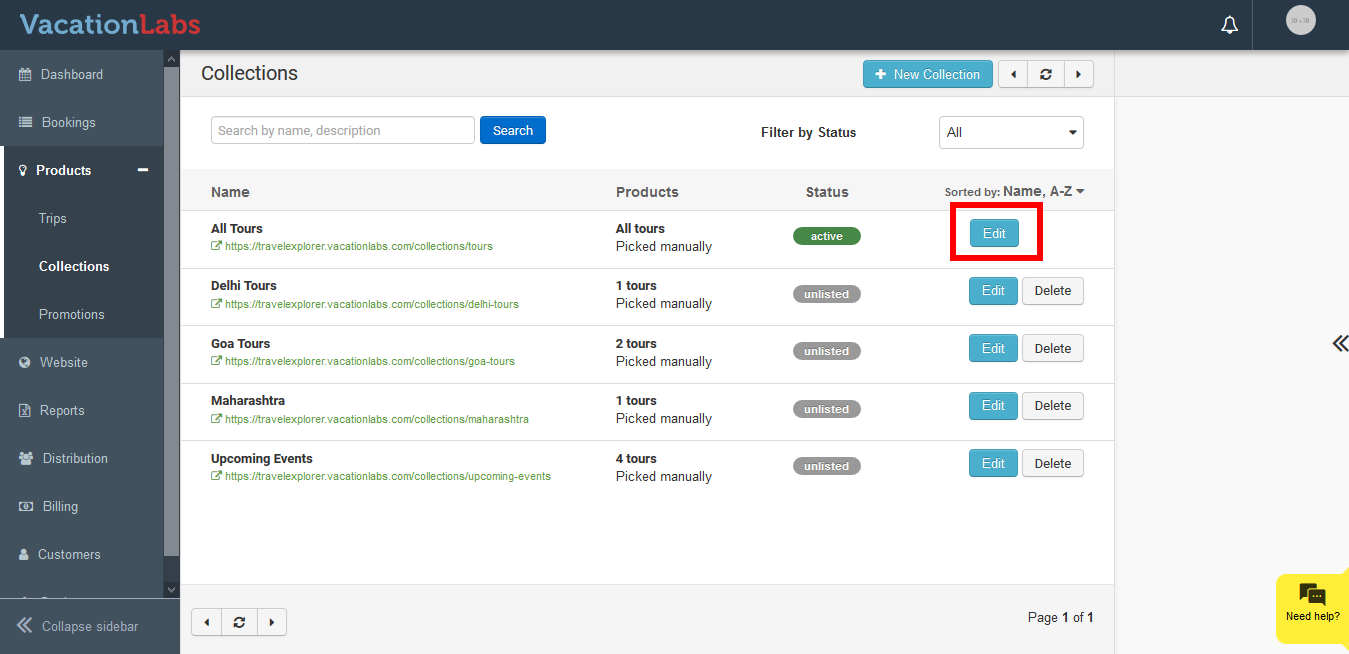
Select the collection for which the search needs to be enabled
-
Click on Edit button
-
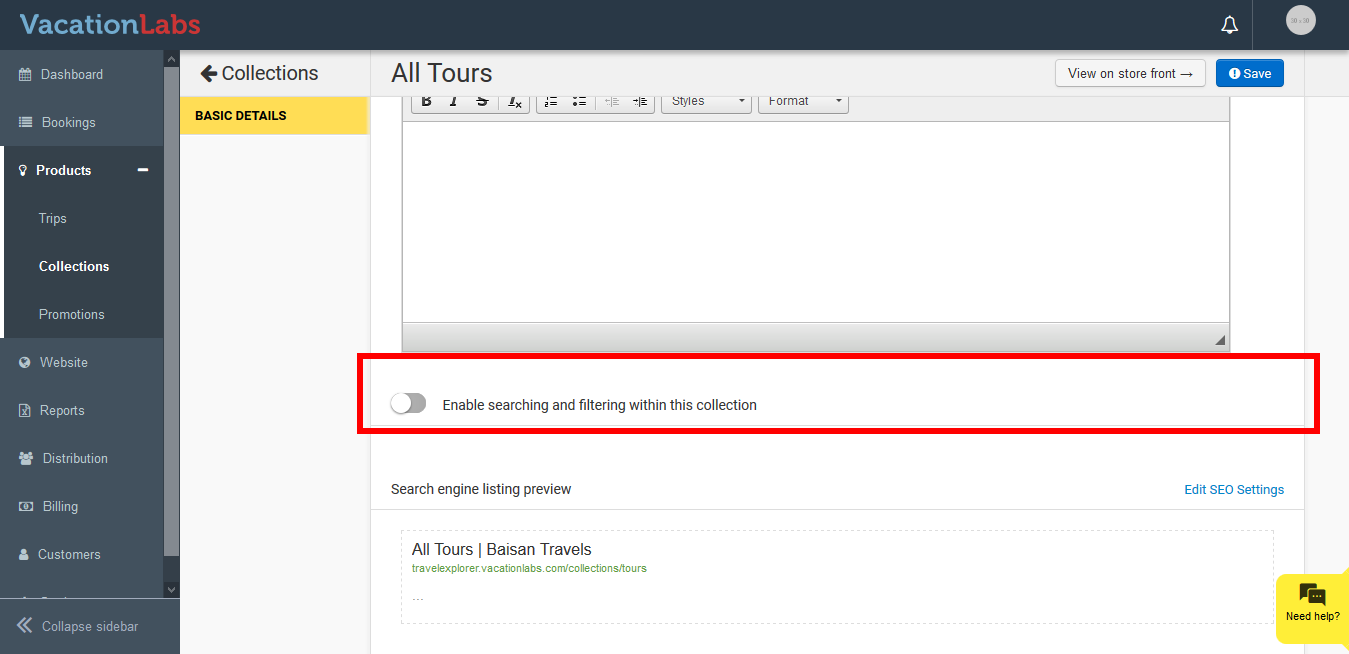
Scroll down and you can find the Search option
-
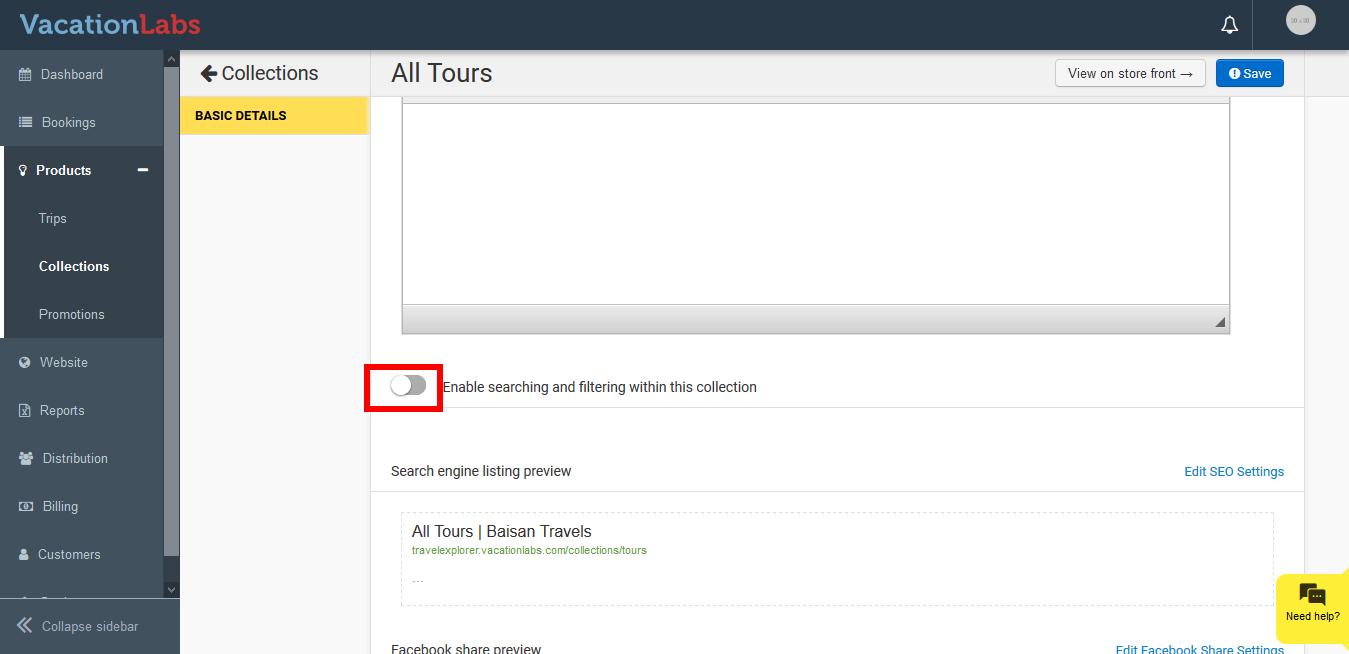
Enable the search by clicking on the **toggle button
 **
** -
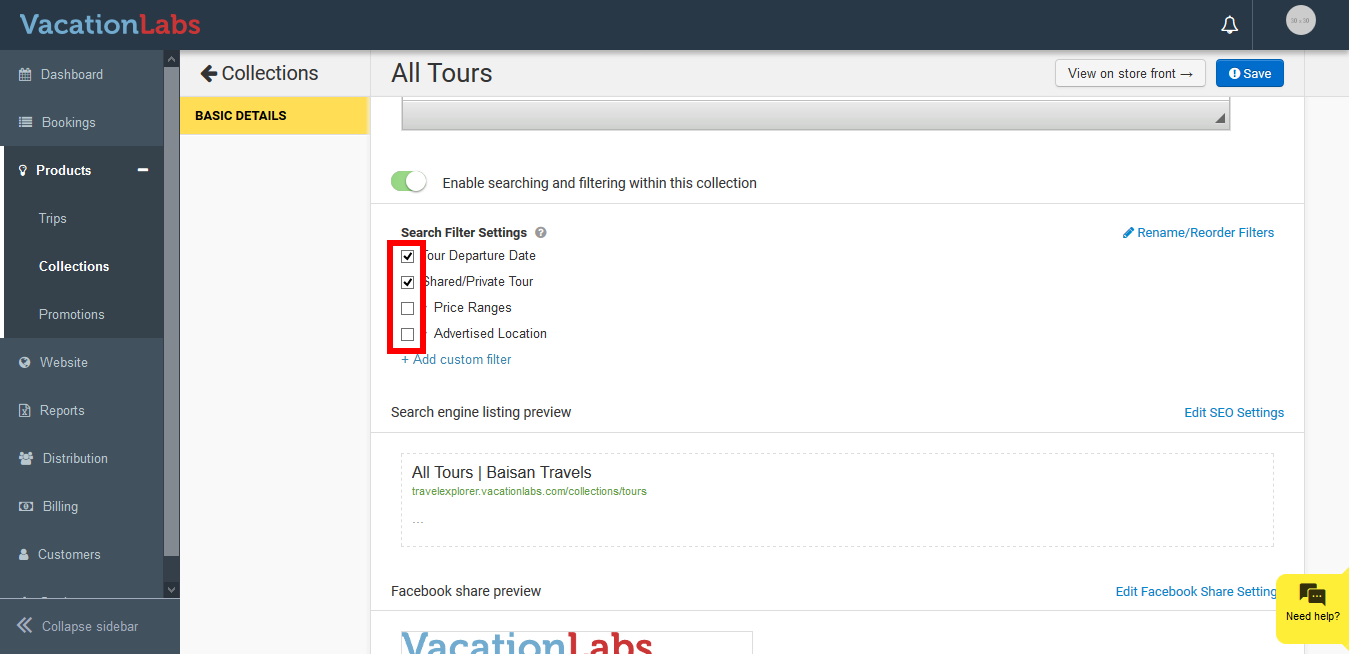
Select the required filters
-
Click on Save
What’s Next?
You can also create your custom search filters on your website, we recommend you to read our article on Creating Custom Search Filters.