Modifying the predefined sentences, headings, names of sections on your website
This section allows you to have control of most of the sentences and words used on your website. You can always phrase a sentence into your own words and restructure it.
Modifying the predefined sentences, headings, names of sections or titles on your website
Please follow the below steps to make the changes,
-
Login to your Vacation Labs account
-
Click on **Website
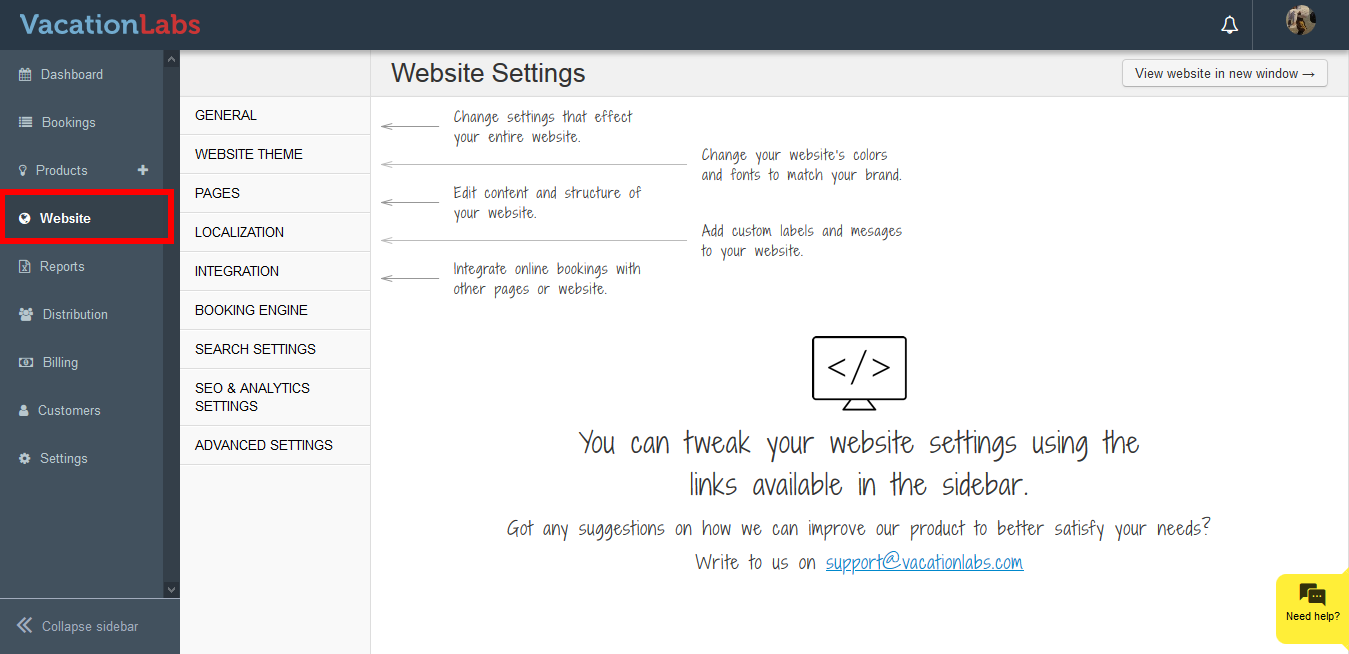 **
** -
Click on **Localization
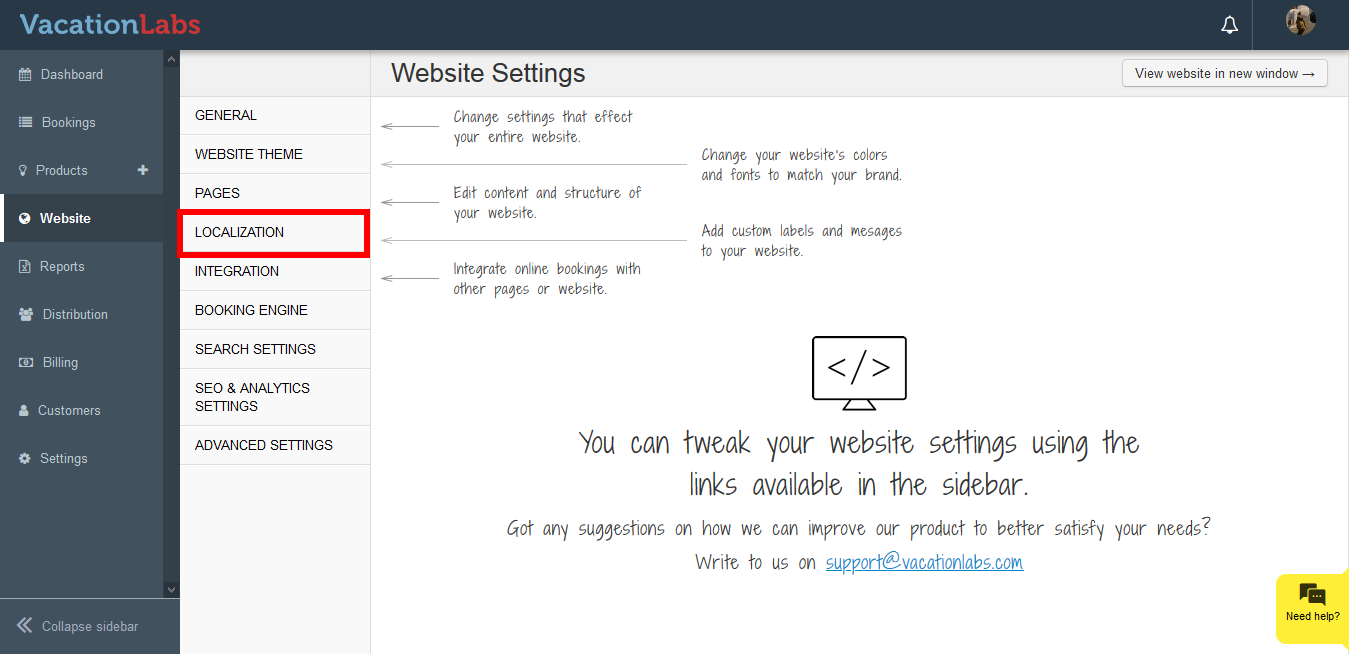 **
** -
Click on **Localization
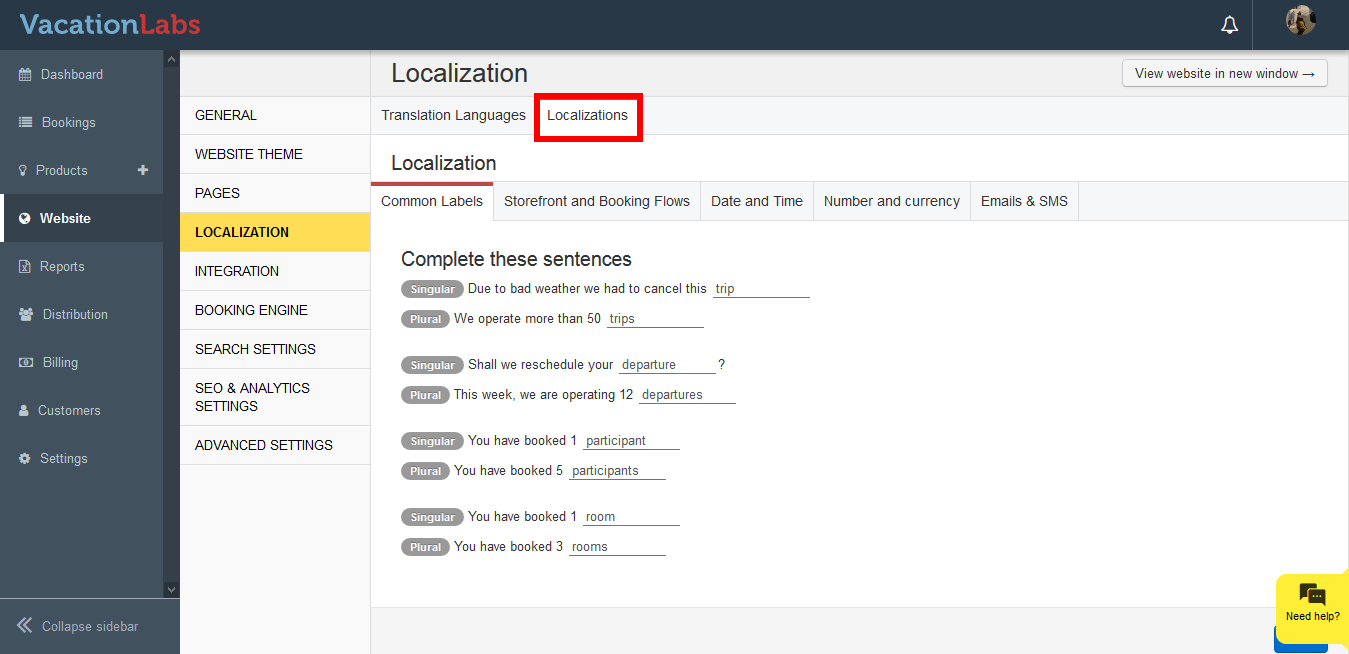 **
** -
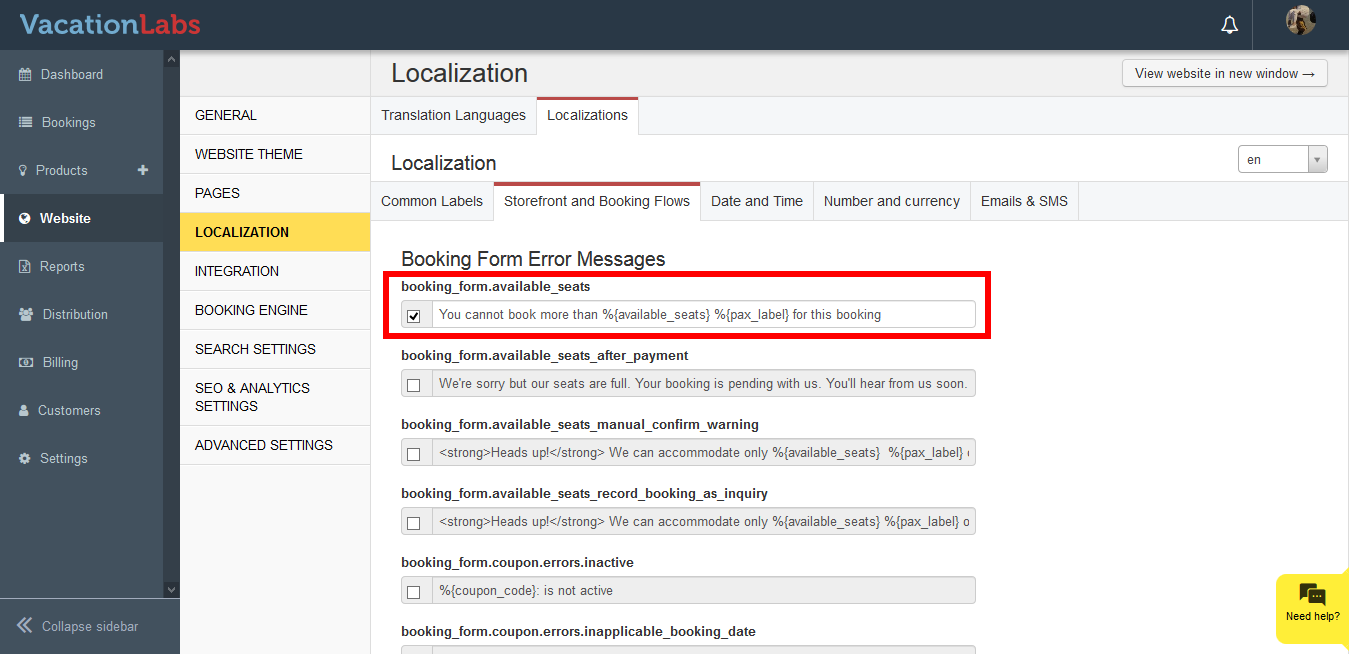
Click on **Storefront and Booking Flows **
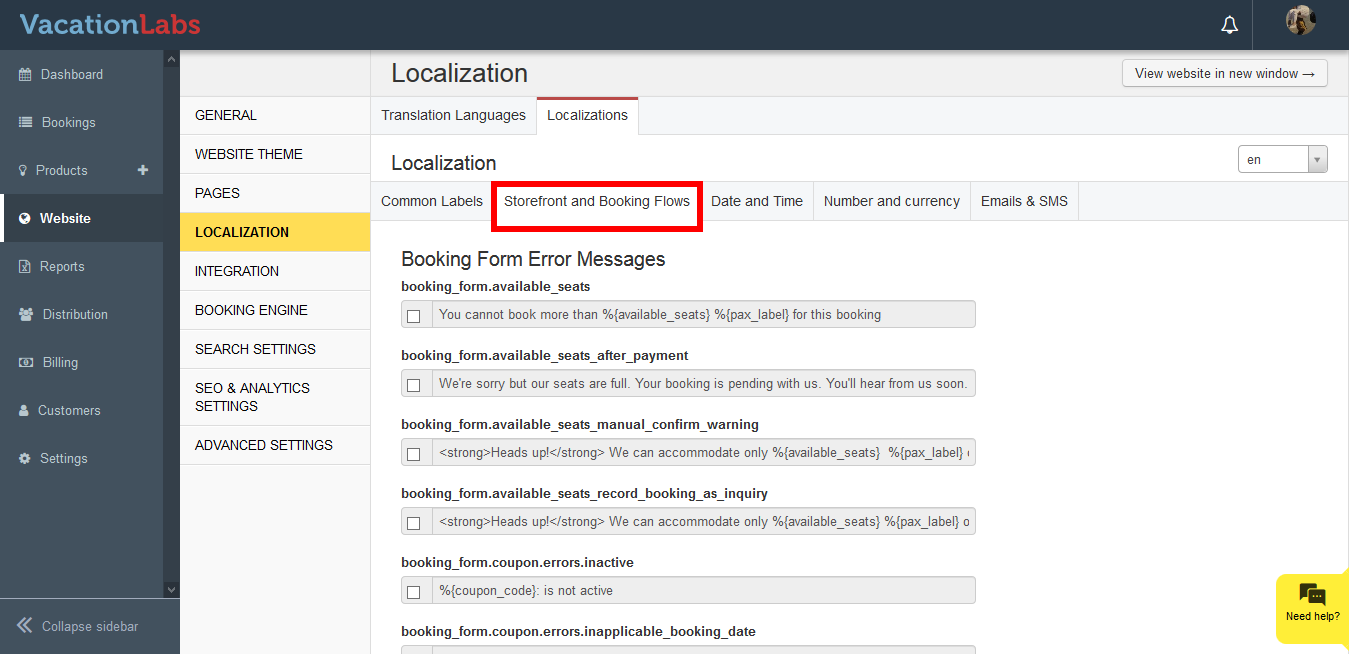
-
Press Ctrl + F, search for the required sentence
-
Click on the checkbox and edit the sentence.
-
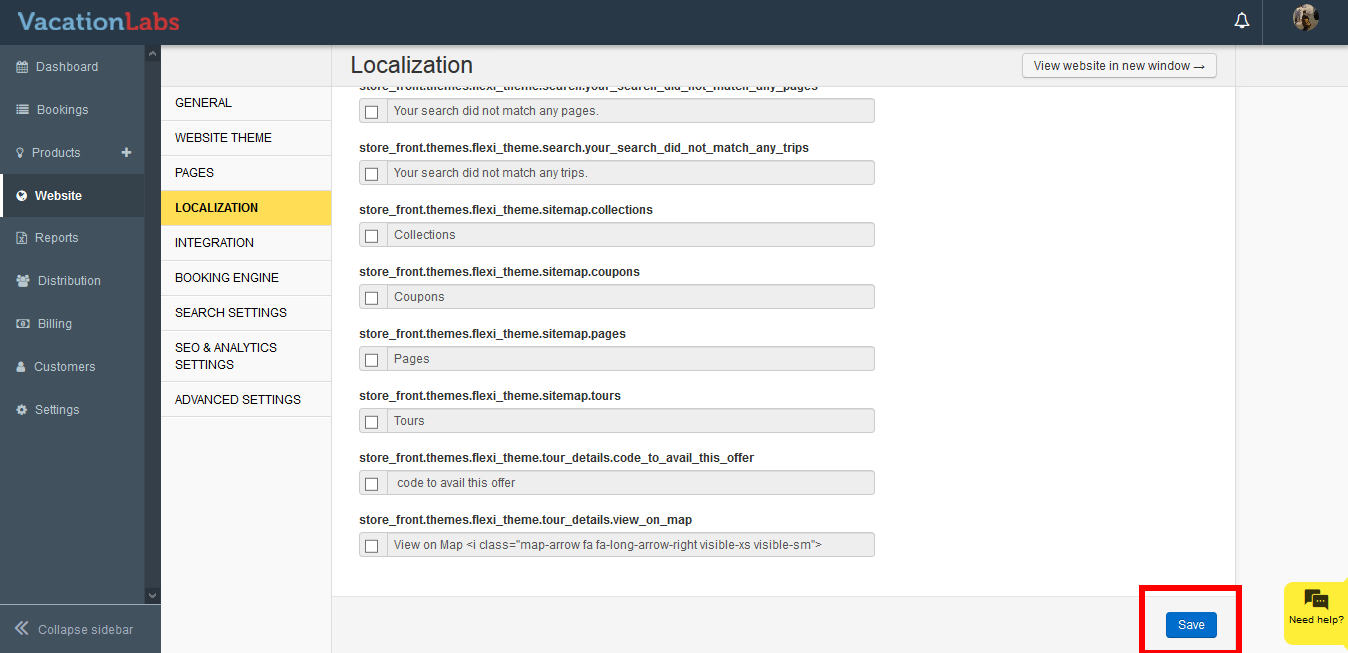
Scroll down to the bottom, and click on **Save **
Please note: Never modify the keyword included in {}, for eg %{available_seats}. This are words are used to fetch data from your account and display them on your website. If this is modified there are high chances that this will cause an error on your website.
Tip
Simply uncheck the checkbox and click on Save for the modified sentence, to switch back to the default phrase