Release Notes • May 25, 2026 • Saurabh Nanda
You can now upload your own video files directly to your website, instead of only pasting a YouTube link. A video you upload plays right on your site, with no YouTube branding, no suggested-video overlays at the end, and no need for a YouTube account at all.
Before this update, adding video to your website meant putting it on YouTube first and pasting the link. That was a real blocker for operators without a YouTube channel, and it meant every video carried YouTube’s branding and end-screen suggestions, sometimes for competing tours.
Now you upload the video file itself. It is hosted on the same fast content network that already serves your website’s images, and it plays smoothly on phones and desktops alike. You can still paste a YouTube link whenever you prefer, and any existing YouTube videos on your site keep working exactly as before.
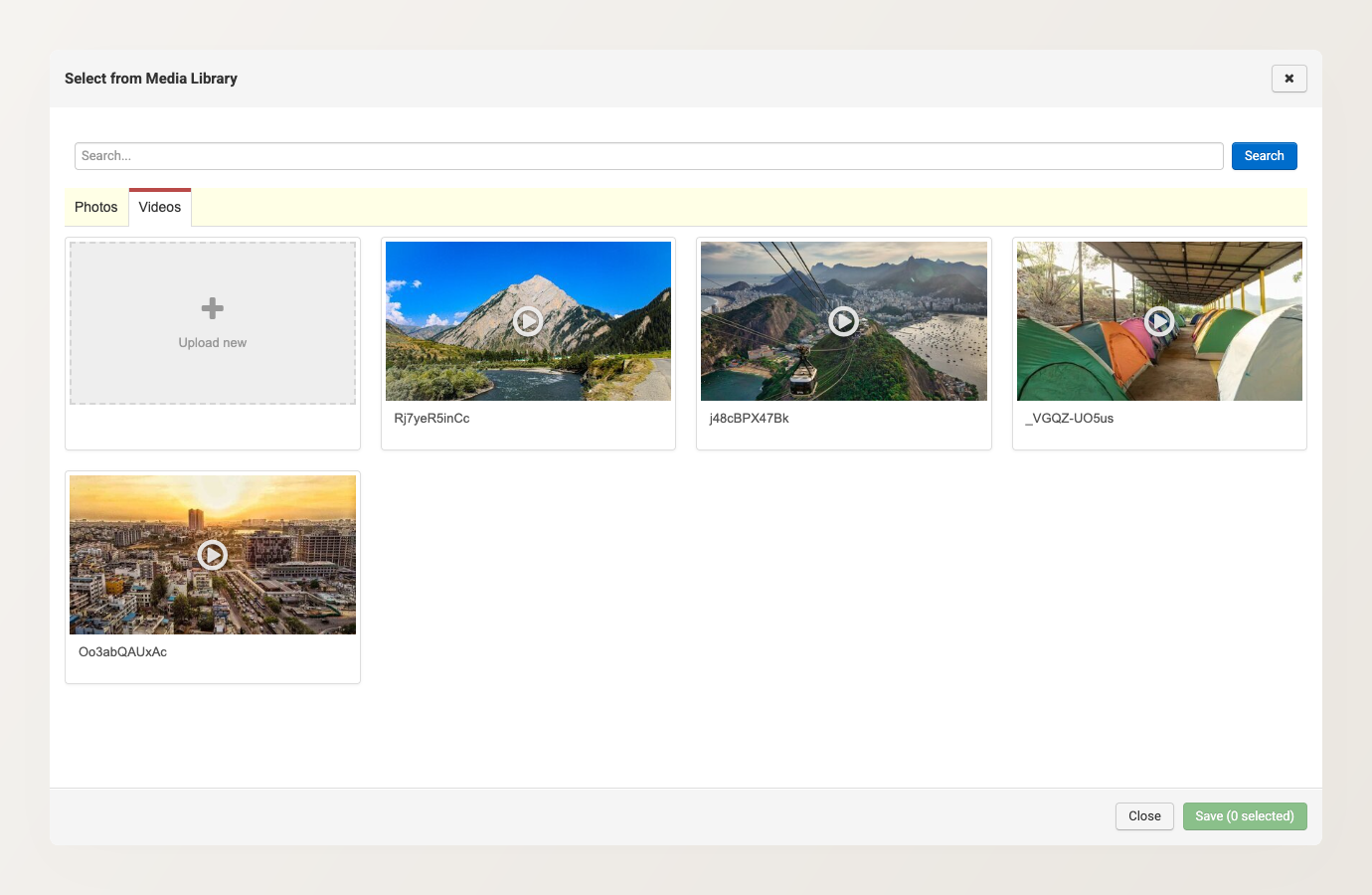
An uploaded video can go in the places that matter most for booking decisions: a page banner or banner slide, a page’s content and gallery sections, a tour’s media gallery, and inside the Itinerary Builder. A short, silent auto-play banner sets the mood the moment a visitor lands. A longer click-to-play clip lets them hear a guide describe the experience.
Your uploaded videos live in the Media Library alongside your photos. From there you can rename a video, change its thumbnail, turn silent auto-play on or off, and see exactly where each video is used before you change or remove it.