Adding customers to the database without creating a booking
A customer database in Vacation Labs back-office is a central location wherein you can find any customer’s details who has made a booking. Having a customer database helps you in offering discounts to a group of shopper, grouping them and making a marketing strategies, etc.
Every customer is assigned a unique Customer Ref No. which has all the details stored in it. You can click on it and explore it further. in addition to customer details of the customer who has made a booking, this also keeps a note of how many times the customer has made a booking, upcoming and past bookings using same phone number, name, email, etc.
A customer is automatically added in the database once a booking is recorded against that customer for any tour. Whereas you can manually add customers in the database.
Adding customers manually
Please follow the below steps to add a customer,
-
Login into Vacation Labs
-
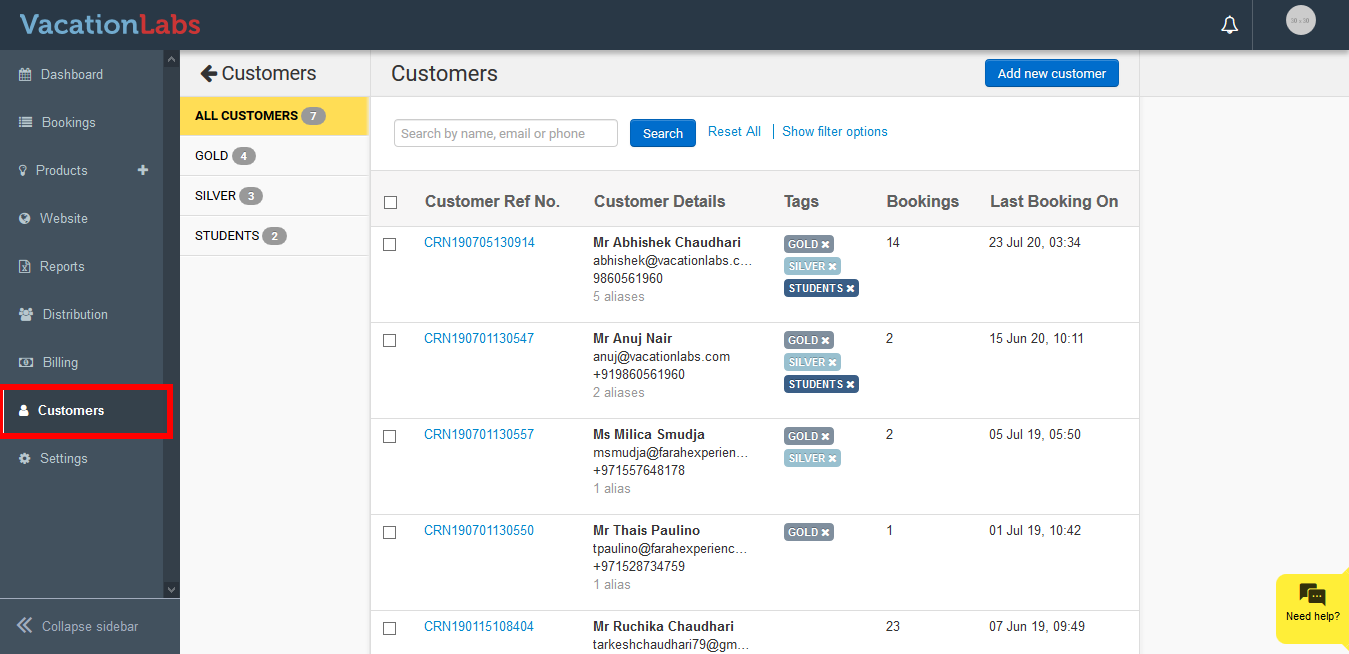
Click on Customer
-
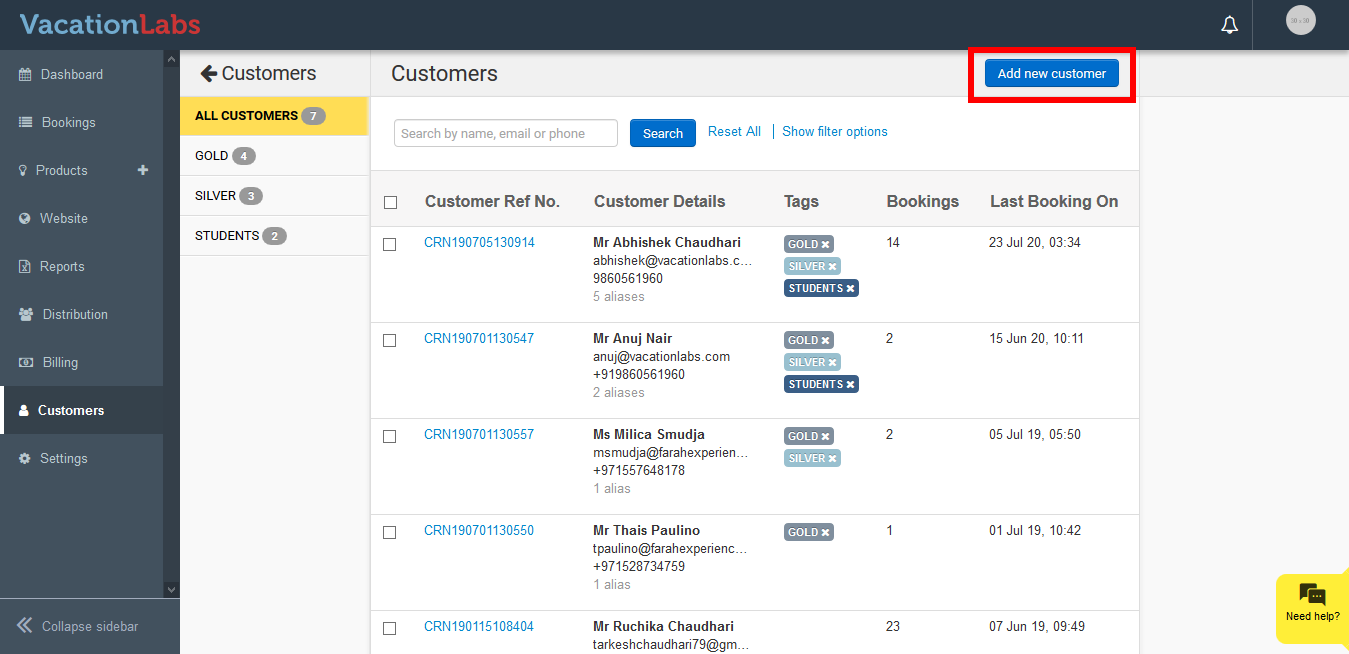
Click on Add new customer
-
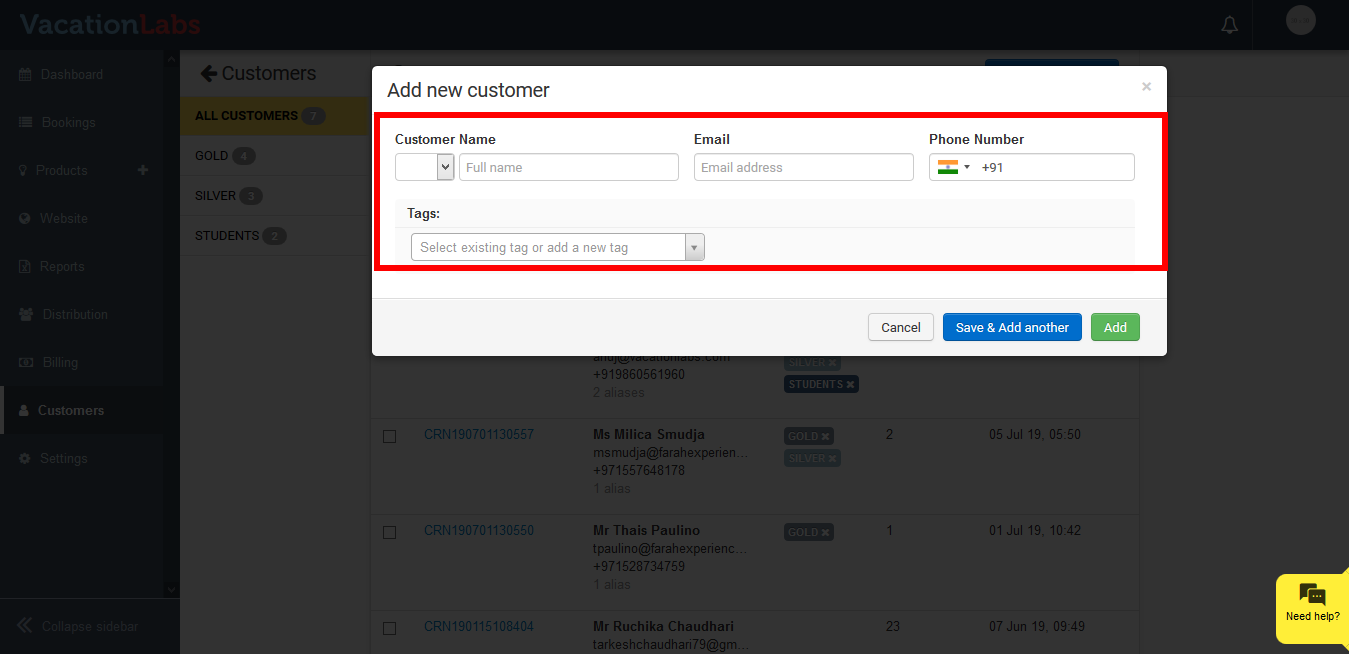
Fill in the below details Name, Email, Phone No., Tags (if any) Please note: The Salutation, Name and Email are mandatory while adding a new customer in the database.
-
Click on Add. Click on Save & Add Another if you wish to add multiple customer’s
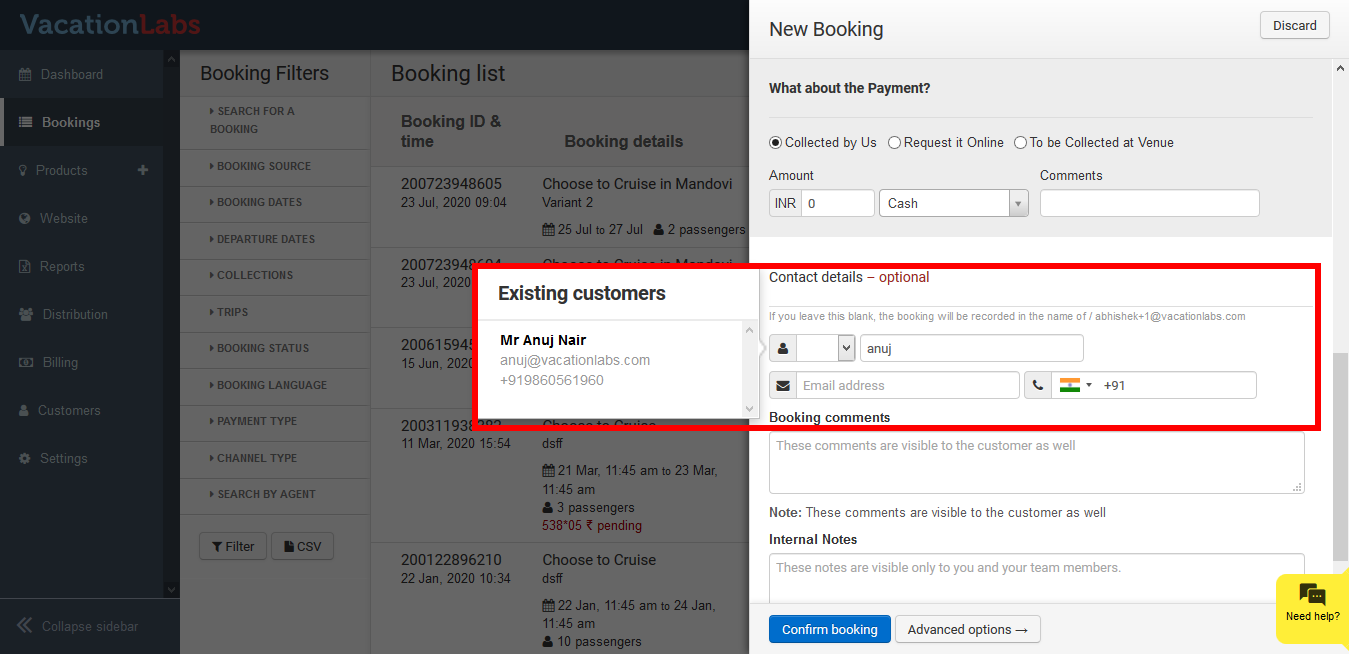
Once the customer details are added in the database manually, this are visible while making a back-office booking too.
What’s Next?
Planning to offer discounts to your regular customers, we would suggest you to read our support article on tagging customers to offer discounts.