Configure and customize your storefront
Booking Engine
Updated
You can customize your storefront to have the look and feel like your website or to match your branding. You can add your logo, banner & background image. You can even add custom headers & footers. Let’s see how to do this:
-
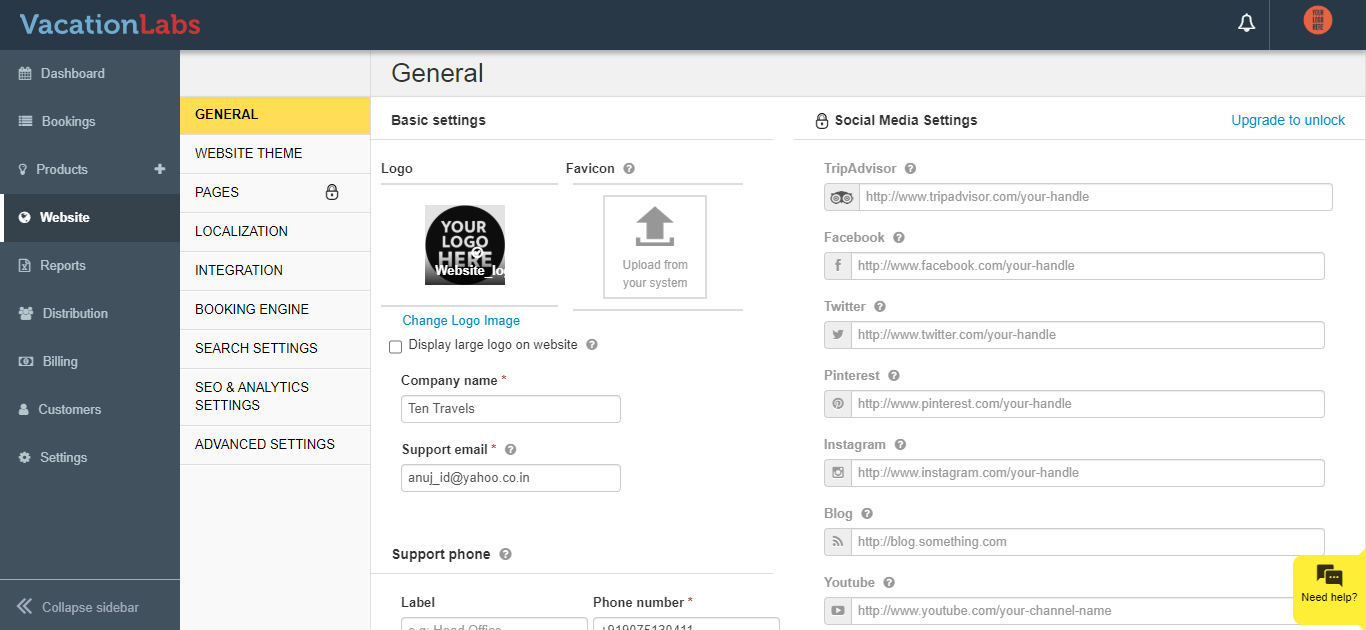
Upload your logo. The logo will appear on top left section of your storefront.
-
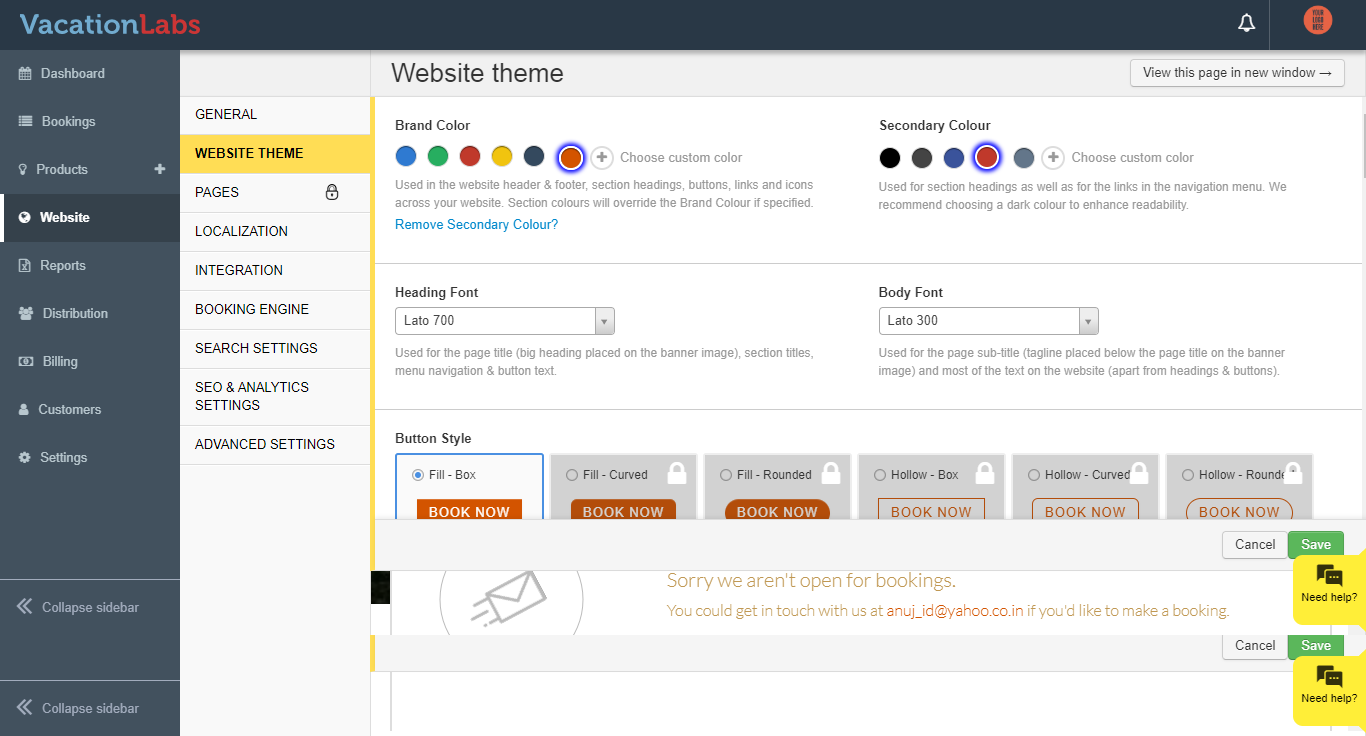
Choose brand color and fonts
-
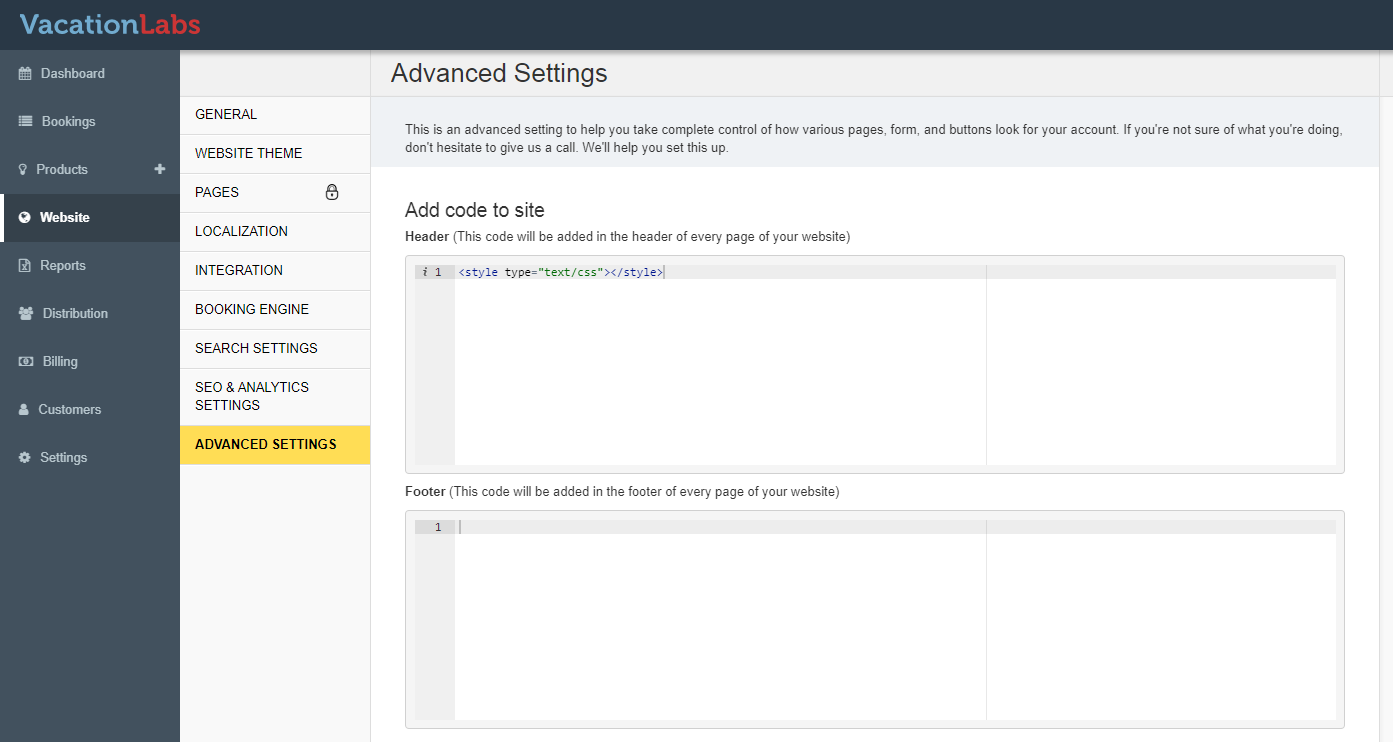
Add custom header & footer (optional)
If you are comfortable with your HTML & CSS, you can use this option to add custom headers & footers. Go to the tab “Stylesheet, custom header & footer” and add you header & footer CSS code.
Info
: If you’re not sure of what you’re doing don’t hesitate to get in touch with us. We’ll help you set this up at an additional cost.