Modifying Email Templates
Modifying Emails & SMS
This section allows you to modify the text for the customer-facing emails for eg Booking confirmation email, Booking modification email, Skipped Payment link email, Cancellation email, etc.
Please follow the below steps to make the changes,
-
Login to your Vacation Labs account
-
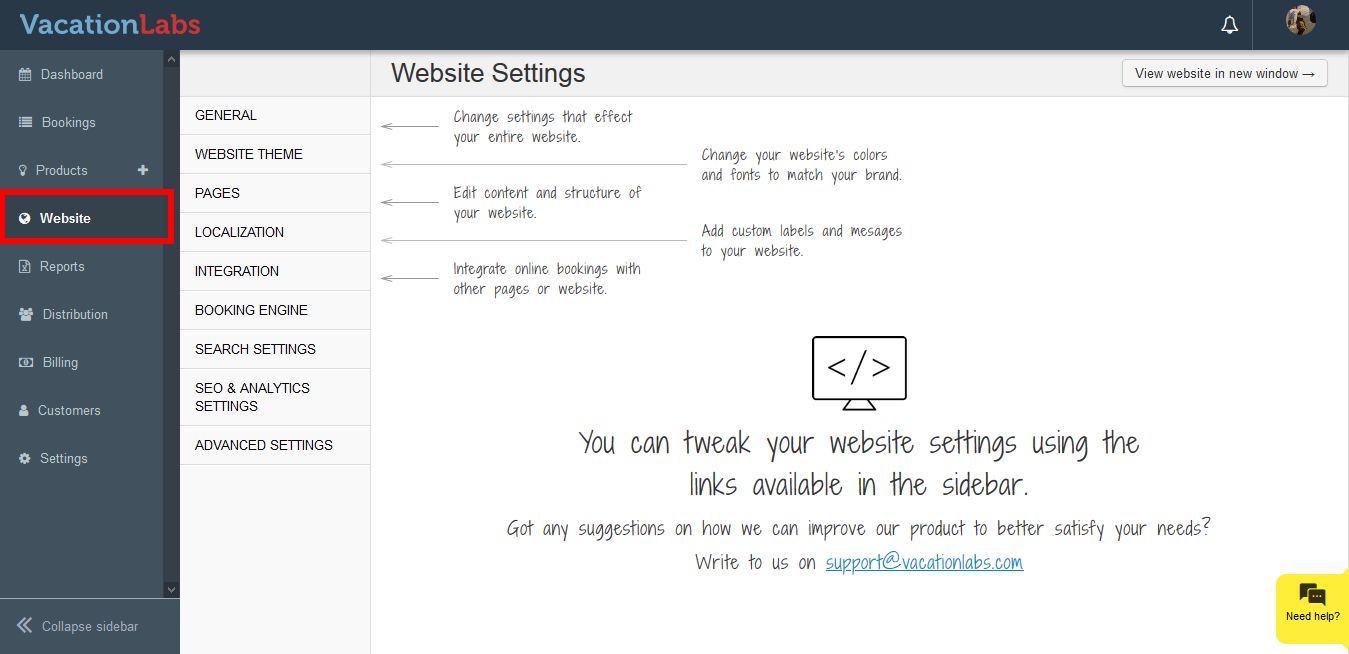
Click on Website
-
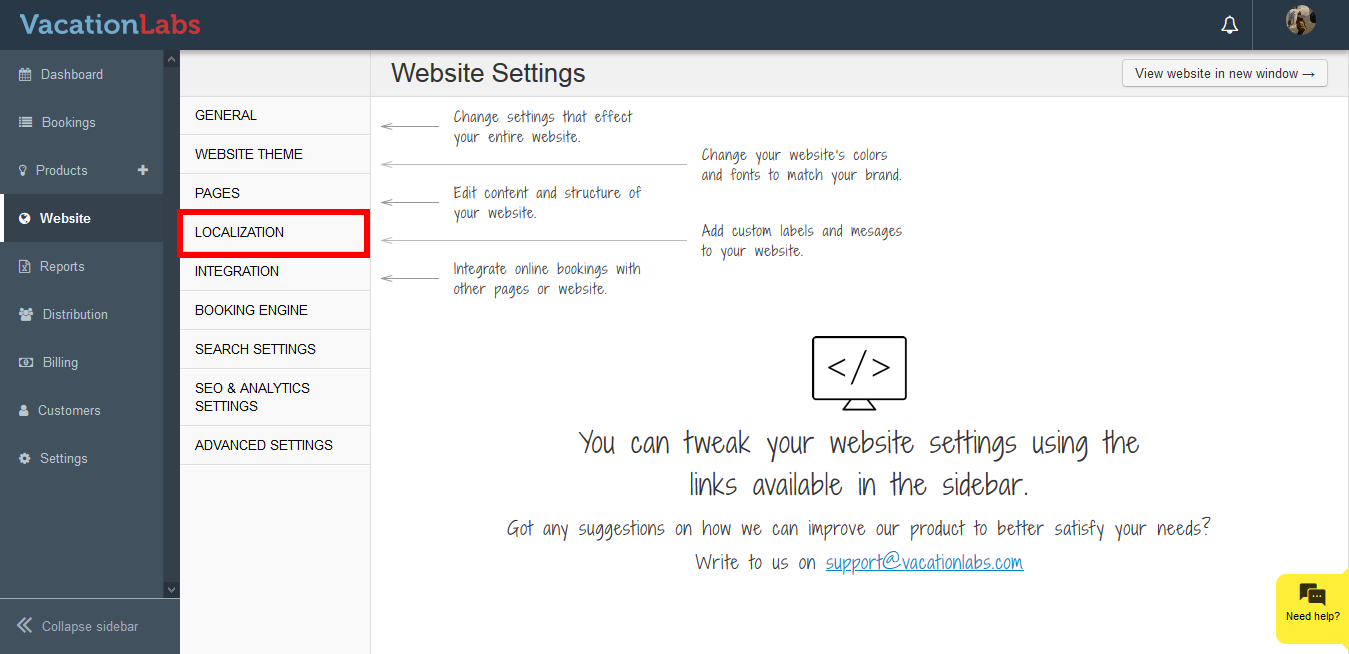
Click on Localization
-
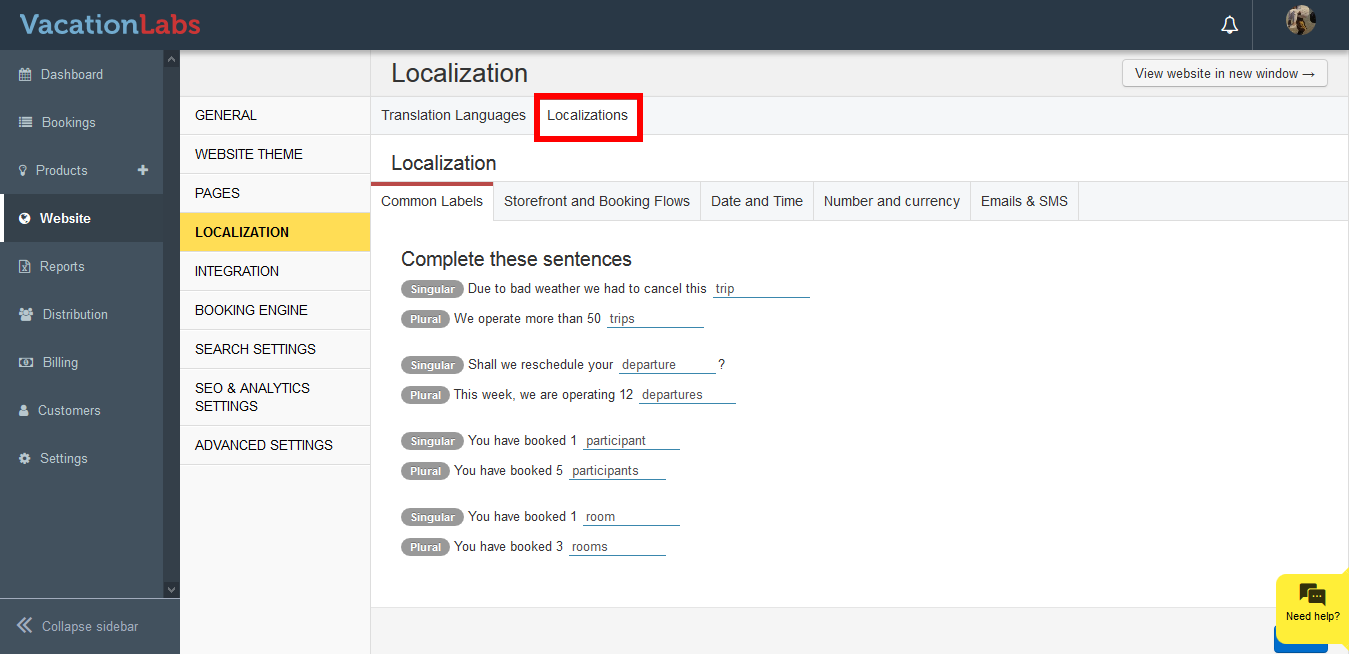
Click on Localization
-
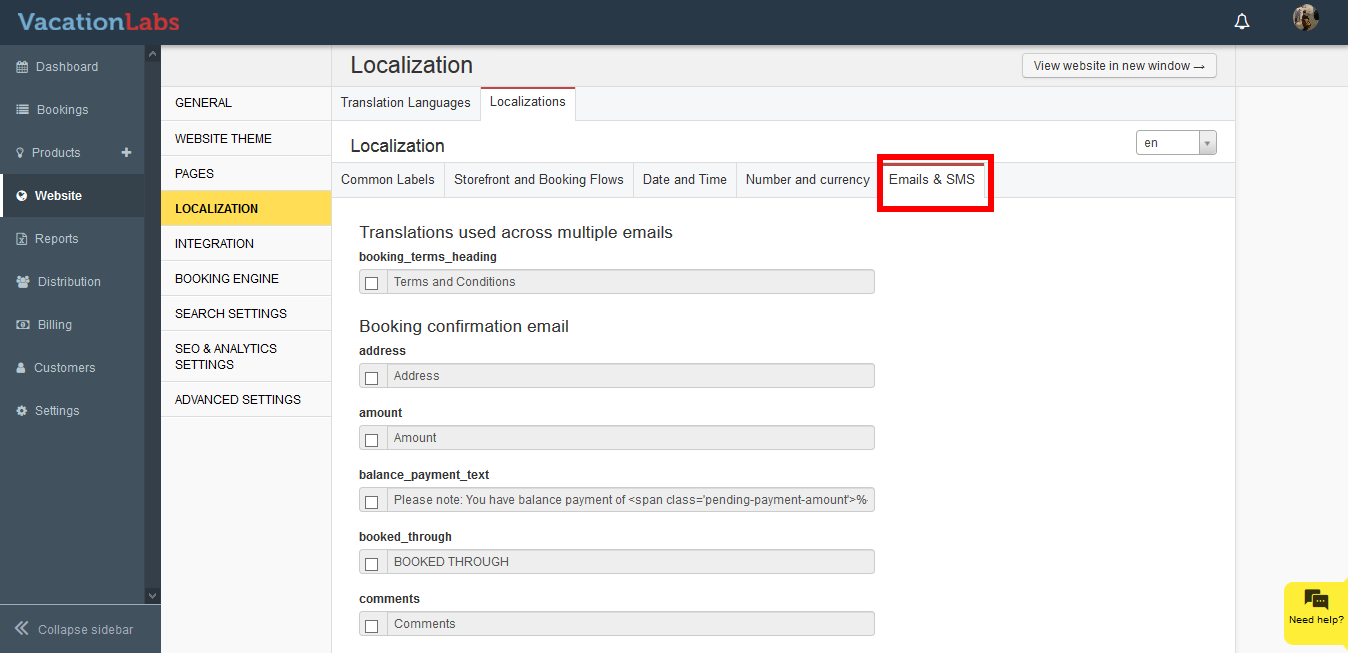
Click on Emails and SMS
-
Click on the checkbox and edit the sentence.
-
Scroll down to the bottom, and click on Save
Tip
Simply uncheck the checkbox and click on Save for the modified sentence, to switch back to the default phrase
What’s Next?
Couldn’t find the sentence that you are looking for in the Emails & SMS and want to change the layout of the email? Drop an email on sales@vacationlabs.com with your requirements and we’ll get back to you.