Setting up a Post confirmation redirect URL
Once a customer completes a purchase, the booking process is over and most likely the user will now leave your website. By using the option to setup a Post confirmation redirect URL you can redirect your customers to visit your Facebook or Instagram page or some other URL within the website.
Please follow the below steps to setup the redirect url,
-
Login into Vacation Labs
-
Click on Website
-
Click on **Booking Engine
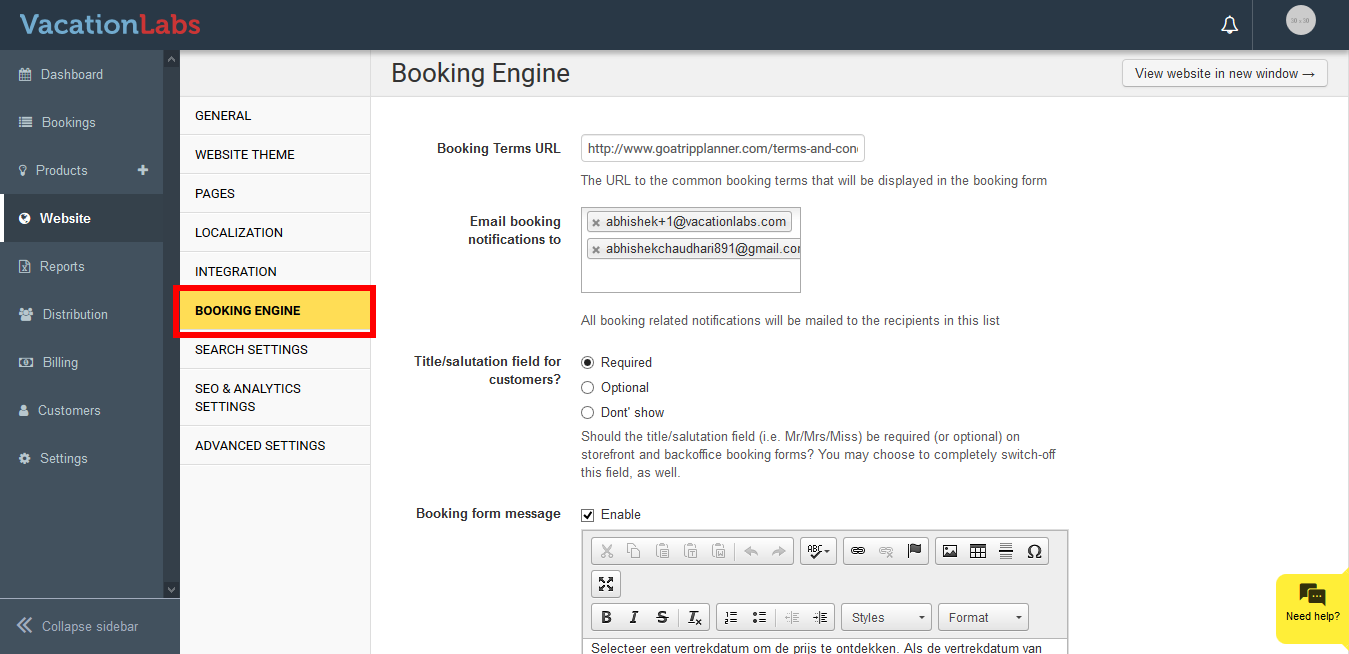 **
** -
Scroll down a bit and you should find the option to add the redirect URL
-
Add the redirect URL
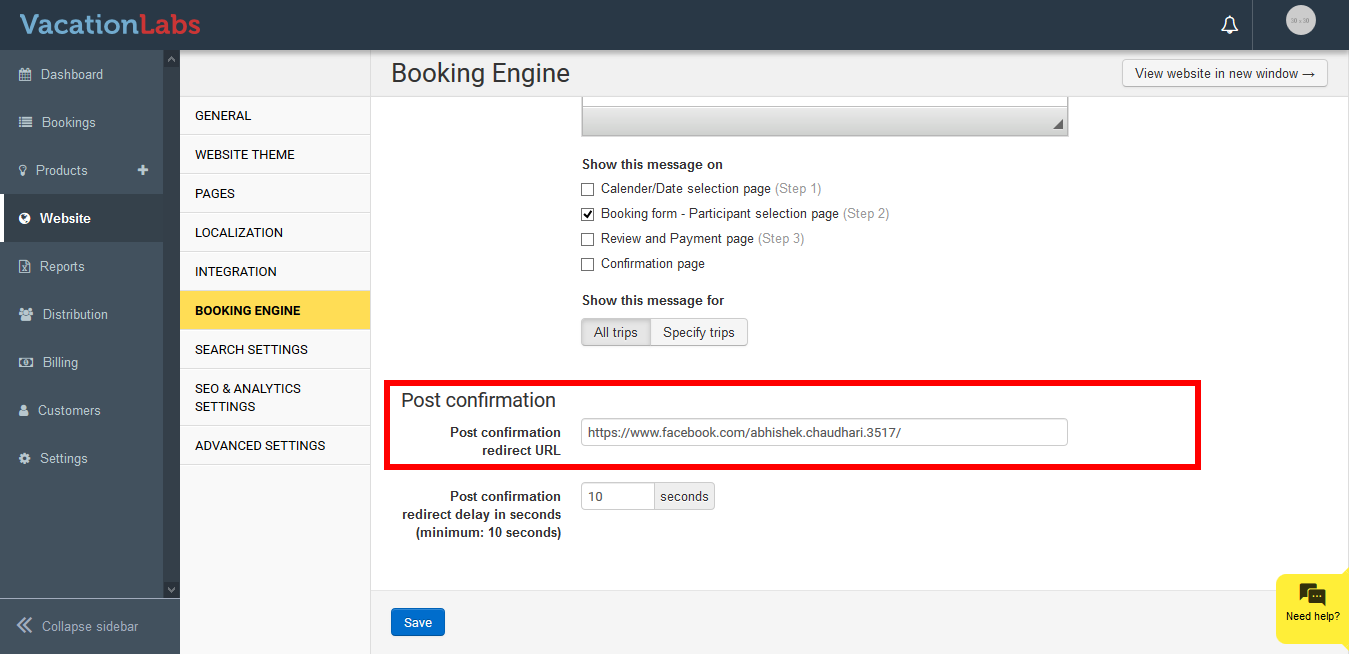
-
Enter the Post confirmation redirect delay in seconds (minimum: 10 seconds)
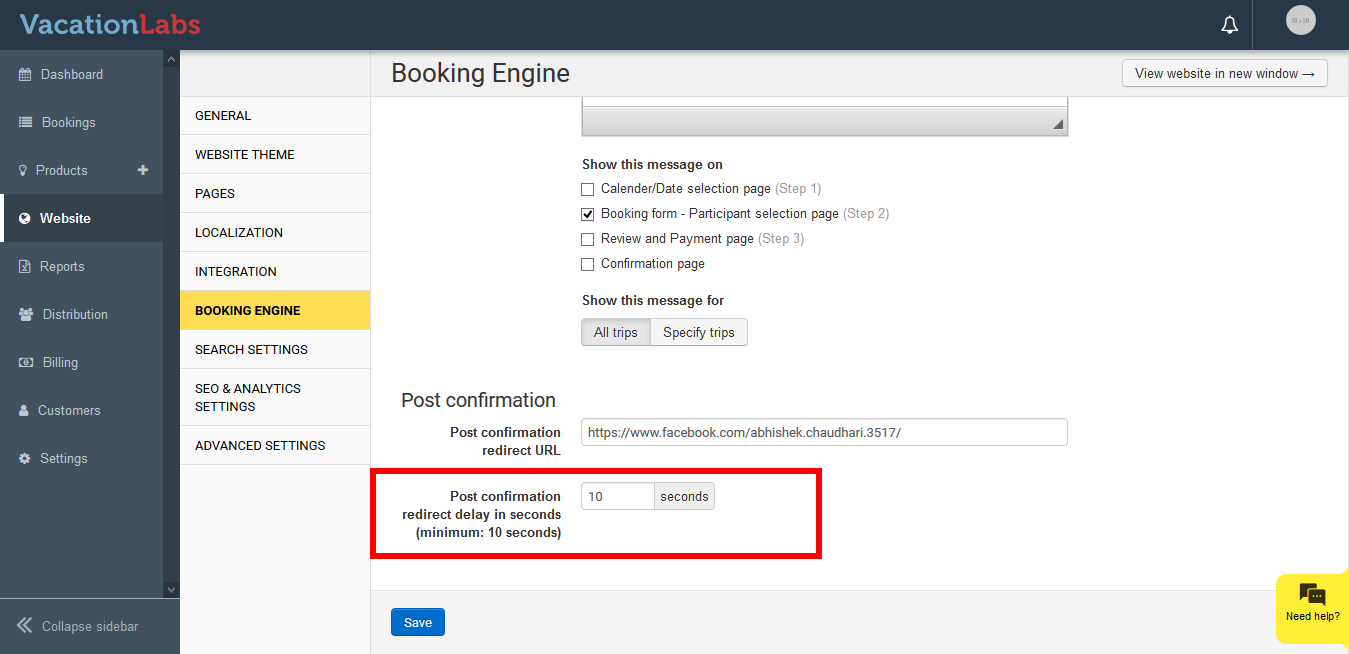
-
Click on Save.