Uploading Favicon on the website
Overview
Info
Google looks for and updates your favicon whenever it crawls your home page. If you make changes to your favicon and want to inform Google about the changes, you can request indexing of your site’s home page. Updates can take a few days or longer to appear in search results.
Generating the Favicon
Visit https://realfavicongenerator.net/, where you can upload your Favicon image and generate it.
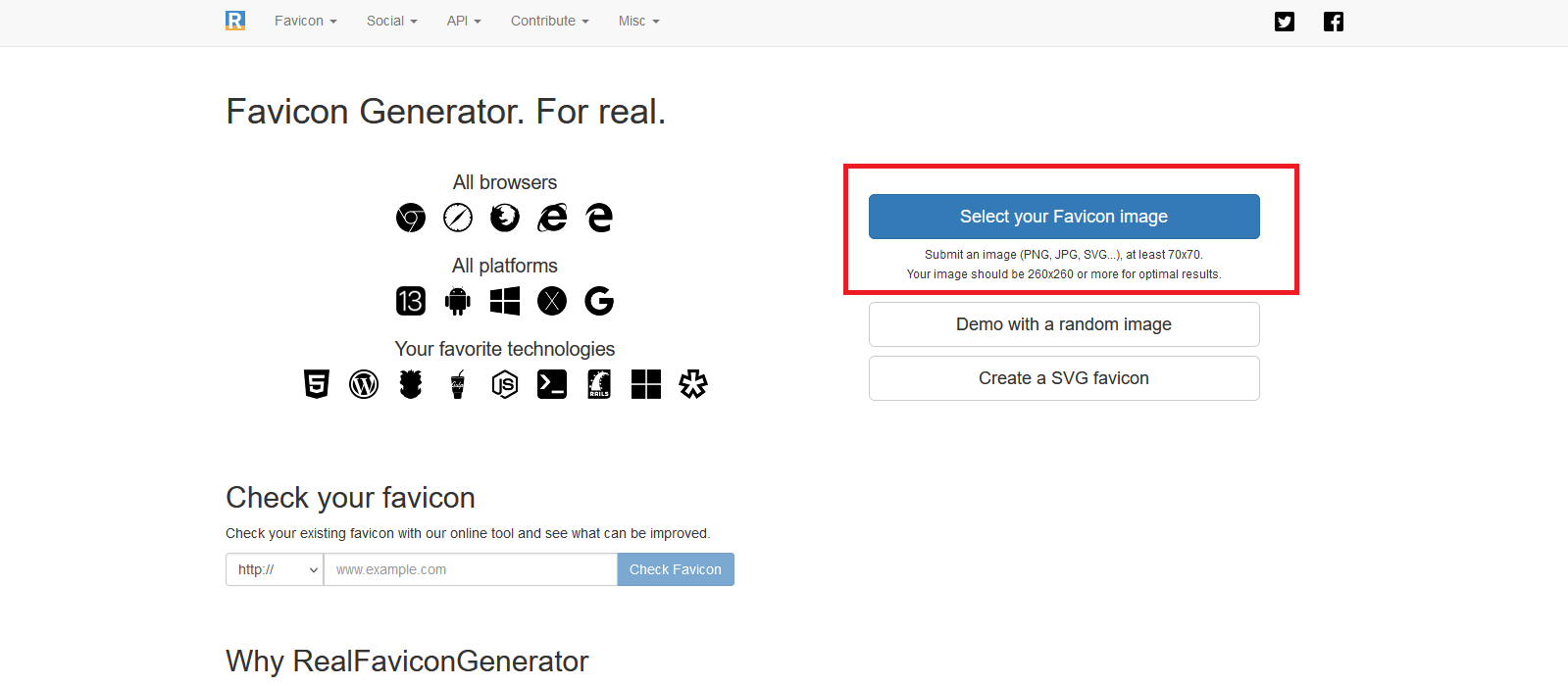
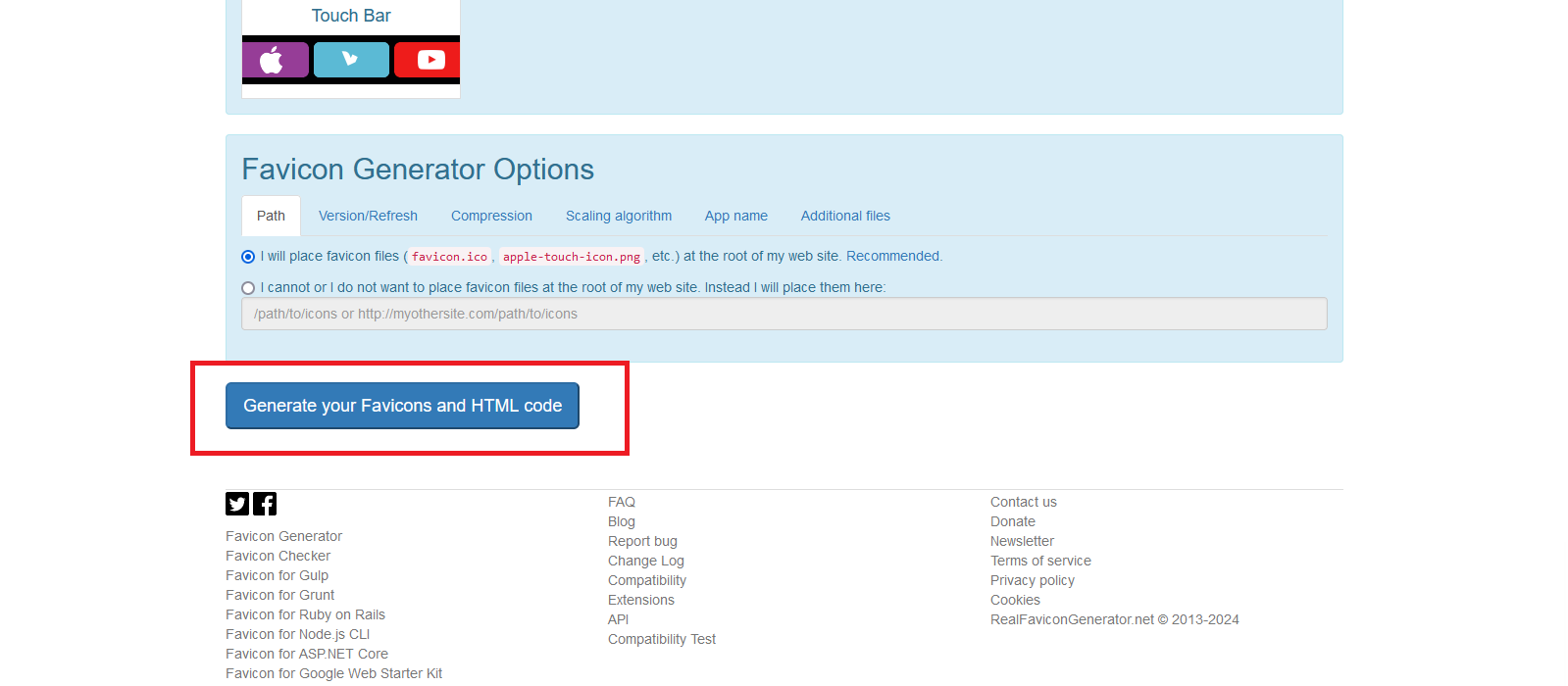
After uploading the favicon, click on “Generate your Favicons and HTML code”.
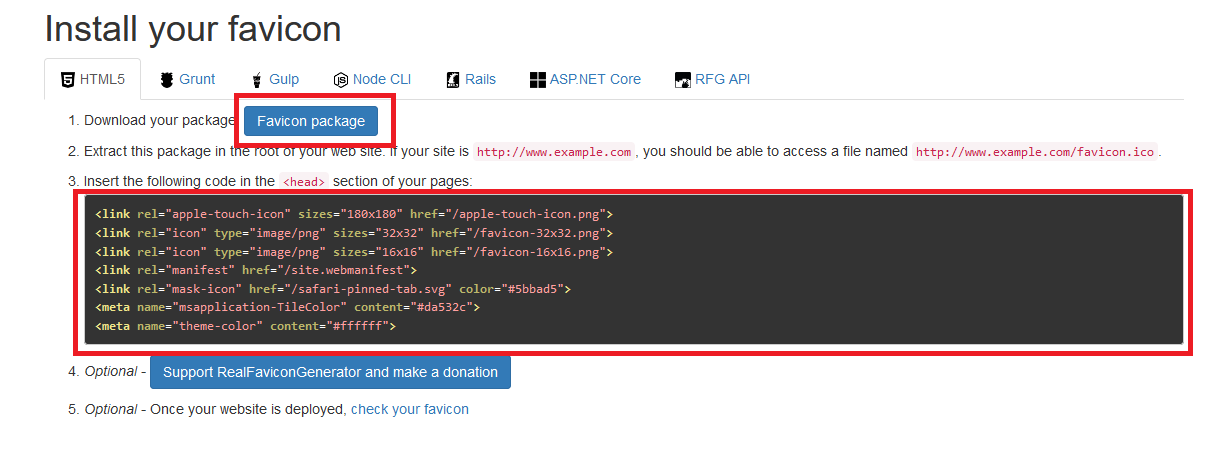
Afterwards, download the package by clicking on “Favicon Package”, and also copy the code.
Uploading the Favicon in Vacation Labs Backoffice
You need to extract the favicon package that was downloaded, and then upload the favicon image in PNG format to the website from the extracted file. Choose any favicon image that is in PNG format.
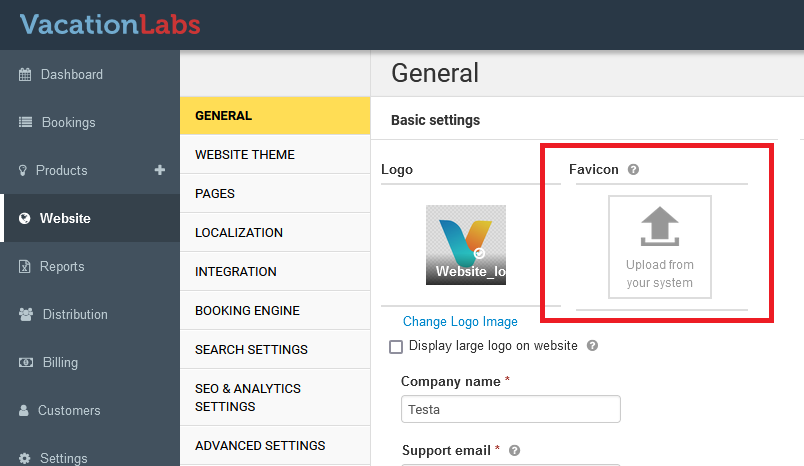
Navigate to Website > General and upload the favicon image here.
After that, navigate again to the folder where the favicon zip file is extracted, and you will see all relevant favicon files.
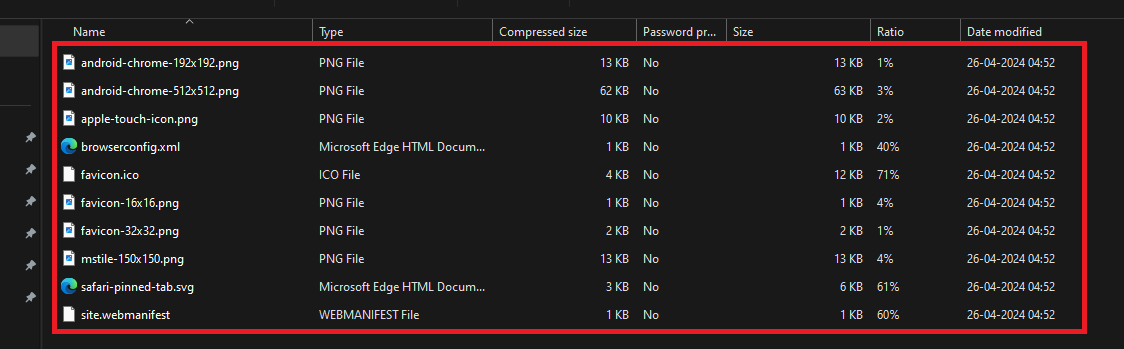
These files needs to be uploaded to the root directory by navigating to Website > Advanced Settings. Here, under “Add files to root directory,” upload it, and then save the changes.
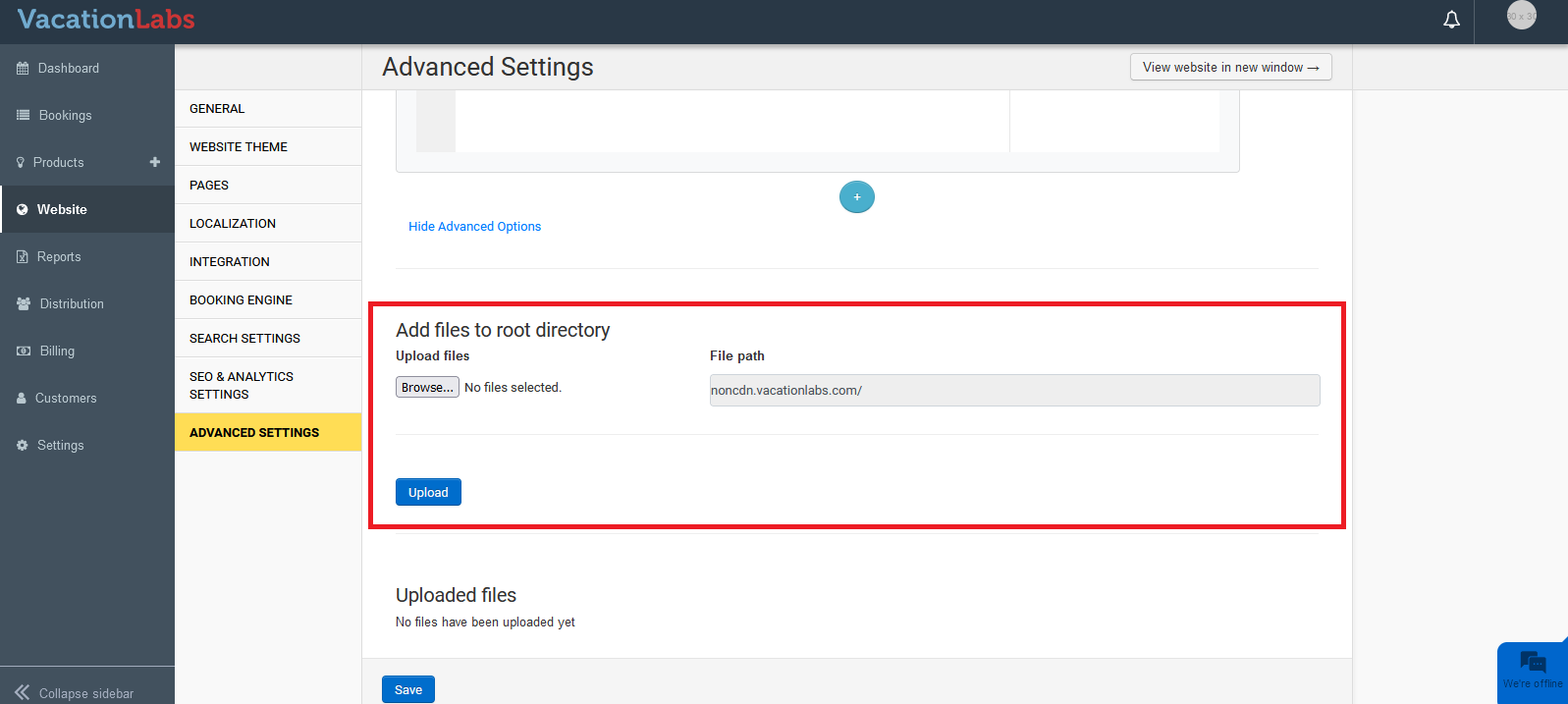
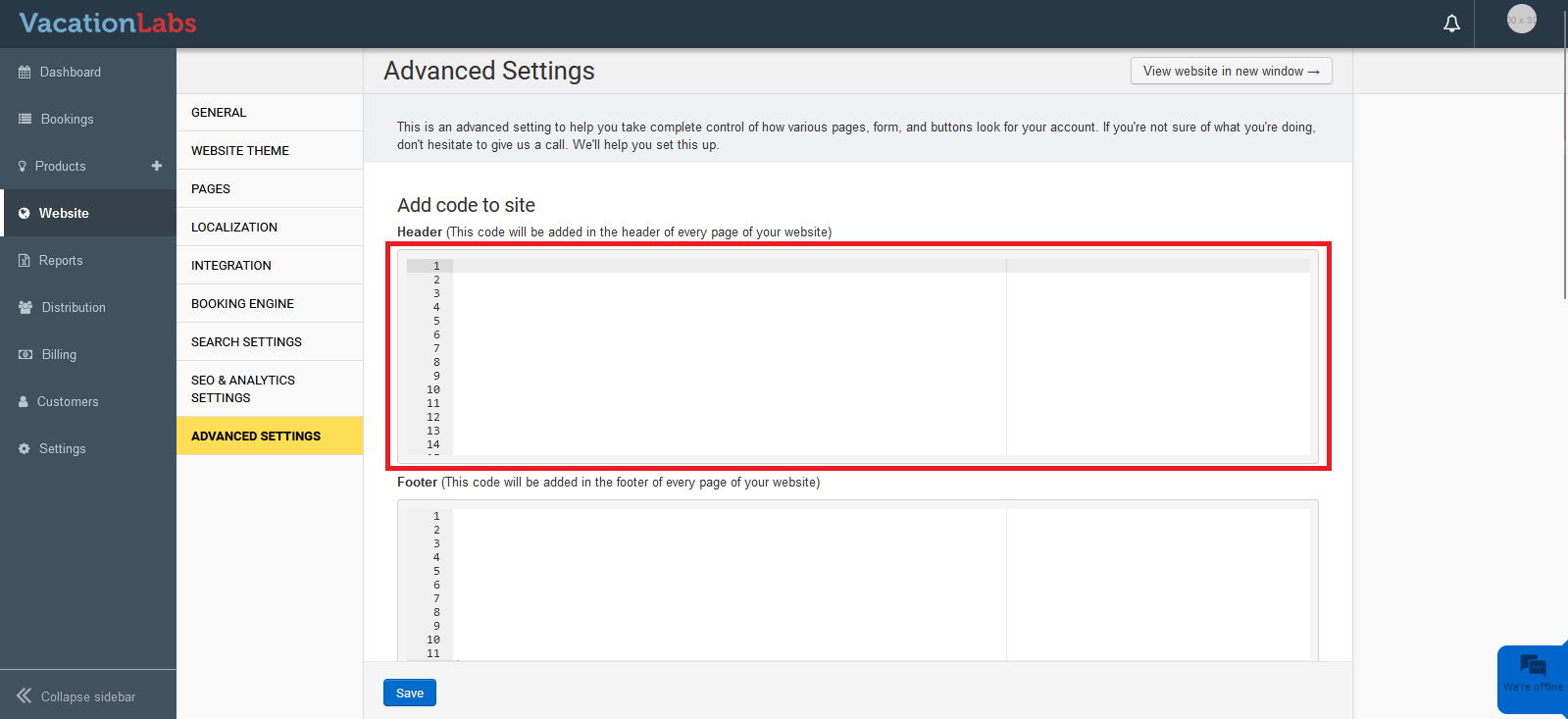
The code copied from https://realfavicongenerator.net/ needs to be pasted by navigating to Website > Advanced Settings. Here, you can paste the code into the Header/Footer section and Save the changes.