Using the Vacation Labs dashboard
Booking Engine
Updated
Overview
The Dashboard is your home screen in the Vacation Labs booking system. It provides:
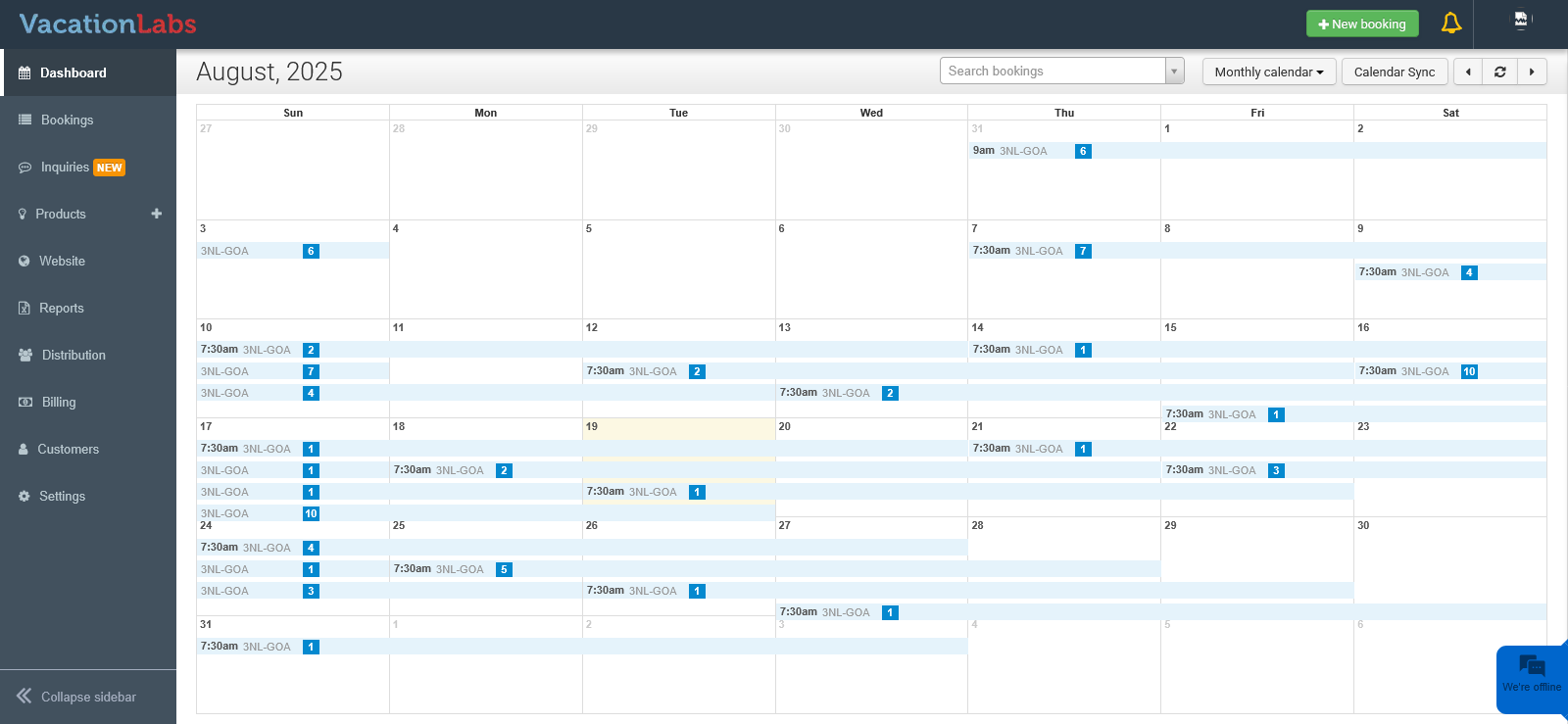
- A calendar view with trips displayed on their departure dates and the number of bookings highlighted.
- Options in the header to search for bookings, switch between list, weekly, or monthly views, and navigate between weeks or months.
Dashboard Header
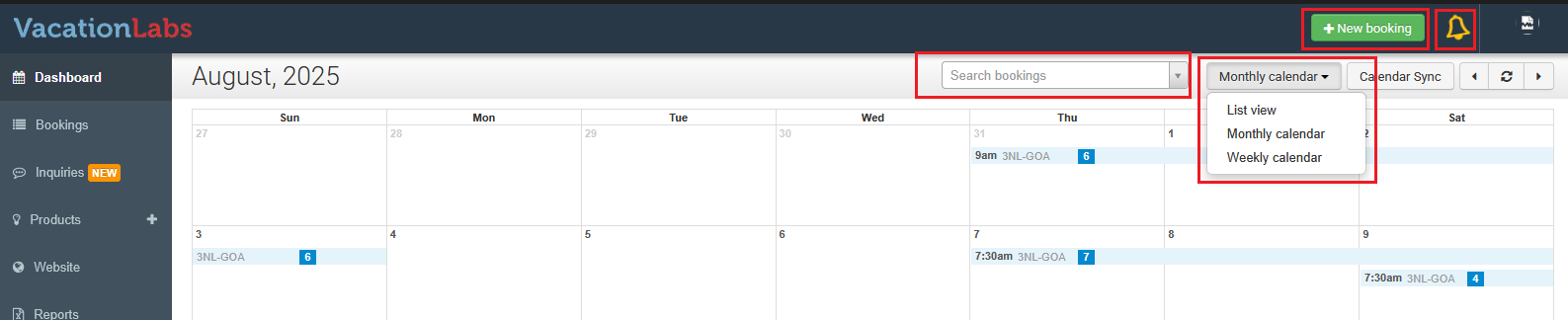
At the top of the calendar, you’ll find options to:
- Search bookings using the search bar.
- Switch between List View, Monthly Calendar, or Weekly Calendar.
- Navigate to the next or previous week/month depending on the selected view.
The Bell icon shows all pending actions and alerts generated by the system.
Creating a New Booking
You can create a new booking directly from the Dashboard in two ways:
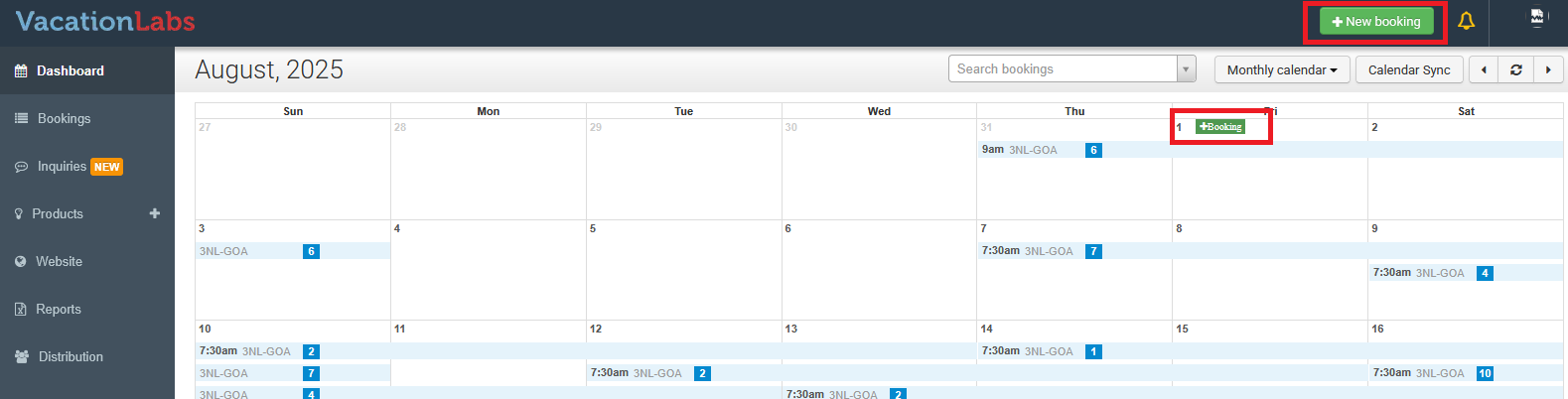
- Click the + New Booking button at the top-right.
- Hover over a date that has a scheduled trip. An Add Booking option appears - click it to open the booking screen.
From there, you can select the trip and the time slot for the booking.