Release Notes • June 6, 2026 • Saurabh Nanda
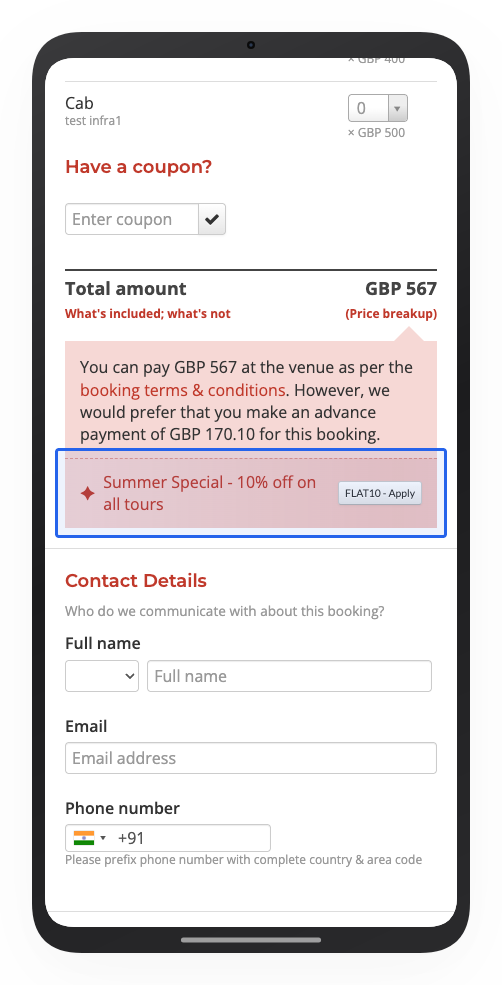
You can now create coupons that require customers to pay the full booking amount upfront. When a customer applies one of these coupons, the option to pay only a partial deposit is automatically switched off, and they pay in full to confirm the booking.
Until now, a coupon only changed the price. Whether a customer could pay a deposit instead of the full amount was controlled separately, on each tour, and no coupon could affect it. Now a coupon can require full payment on its own, switching off the deposit option whenever it is applied. That opens up a few useful plays:
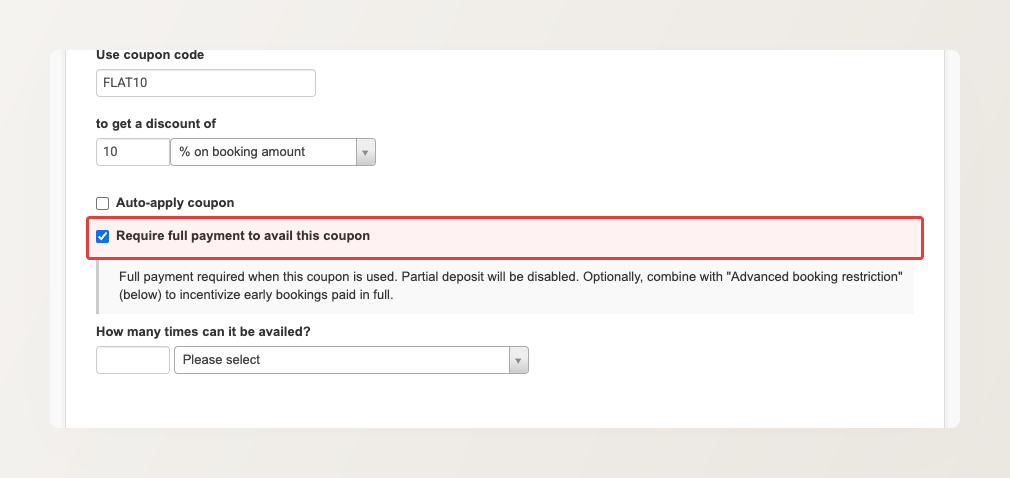
Setting it up takes a single checkbox. In your coupon’s What’s the noise? section, tick Require full payment to avail this coupon:
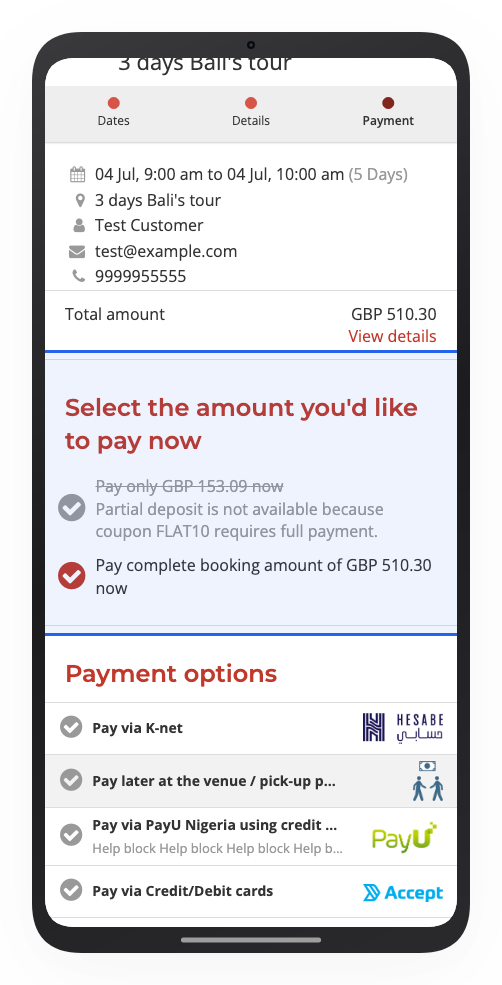
Remember, this only makes sense on tours that have a minimum deposit configured. Without a minimum deposit, customers already pay the full amount anyway, so a full-payment coupon has nothing to switch off. On a tour that does allow a deposit, applying the coupon shows the deposit option crossed out at checkout, with a short explanation, so customers understand why they are paying in full: