Release Notes
New features, improvements, and fixes shipped to your Vacation Labs account.
Inquiry Form Loading Fix Fix
Fixed an issue where the inquiry form on tour pages would fail to load after a recent platform update, showing a blank section instead of the form.
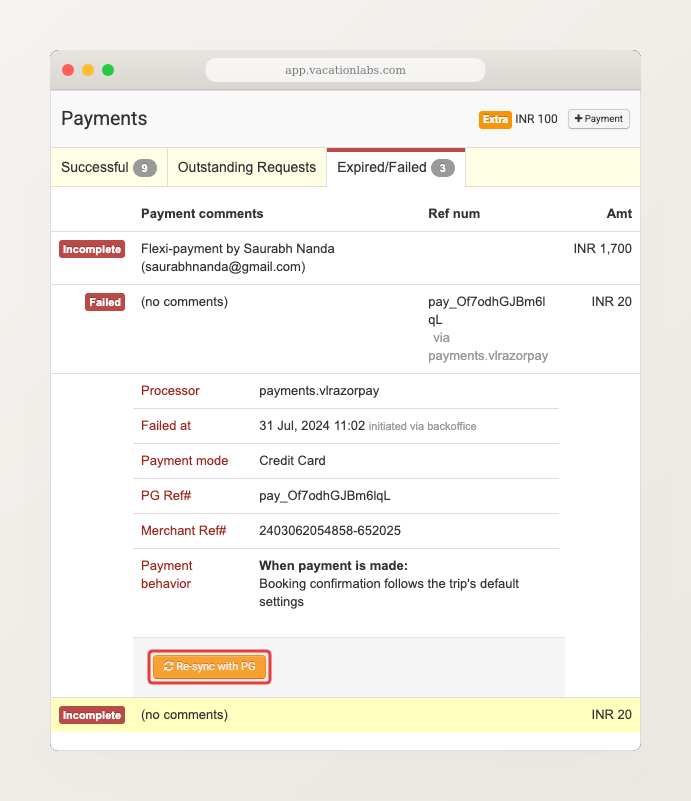
Payment Re-sync and Auto-recovery Improvement
Occasionally, an online payment may show as “failed” or “abandoned” in your backoffice even though the customer actually paid — this can happen due to a network drop during checkout, delayed UPI confirmations, or gateway processing delays.
Add an “Upcoming Departures” section to your website
Show your next available tour dates anywhere on your site You can now add an Upcoming Departures section to your website and display your next available tour dates in a clean, structured layout — anywhere you like. This section pulls data from your date-based collections and automatically shows upcoming departures sorted by earliest date first. […]
Read more →Comprehensive Favicon Support Improvement
Favicons — the small icons that appear in browser tabs, bookmarks, and Google Search results — now work reliably across all devices. Previously, uploaded favicons didn’t always display correctly due to missing sizes and format issues.
Now, when you upload a favicon in Website > General, the platform automatically generates all required sizes — for browser tabs (32×32), Google Search results (48×48), and mobile home screen icons (192×192). Your icon will also appear when visitors save your site to their phone’s home screen.
For best results, upload a square PNG at least 192×192 pixels.

Capture Meta Ad Leads Directly as Inquiries
Automatically turn Meta ad leads into inquiries You can now connect your Meta Lead Ads directly to Vacation Labs and have new leads appear automatically as inquiries in your backoffice. As soon as a customer submits a lead form through Meta ads, their details are captured in real time — without downloading CSVs, manual data […]
Read more →
Your Website Now Has a Built-in Blog
Your website now has a built-in blog You no longer need a separate WordPress installation, Hostinger account, or any third-party blogging tool. Your Vacation Labs website now includes a full-featured blog platform — create posts, organize them with categories, and publish directly from the same backoffice where you manage your tours and bookings. Your blog […]
Read more →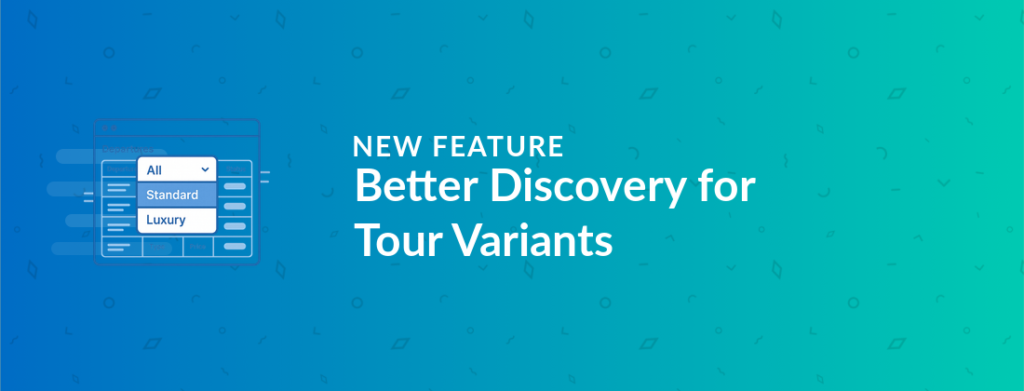
Better Discovery for Tour Variants
Filter departures by variant on tour pages If your tours offer multiple variants — different room types, age groups, experience levels, or even origin cities and destinations — your customers can now filter the departure list by variant using a dropdown on the tour page. This is especially useful for operators who use variants to […]
Read more →Booking Sidebar Customer Search Fix Fix
Fixed an issue where the existing customer search dropdown in the backoffice new booking sidebar was getting clipped and unusable.
Coupon “1 Per Customer” Limit Fix Fix
Fixed an issue where coupons with a “1 per customer” limit were incorrectly accepted during checkout if the customer had already used the coupon on a previous booking, leading to a payment error at the final step.