Deleting a website section
Managing Pages
Updated
Sometimes you may want to remove an unwanted section ( eg Tour card section which contains irrelevant tours) from your website.
Please follow the below steps to delete the section,
- Login into Vacation Labs
- Click on Website
- Click on **Pages
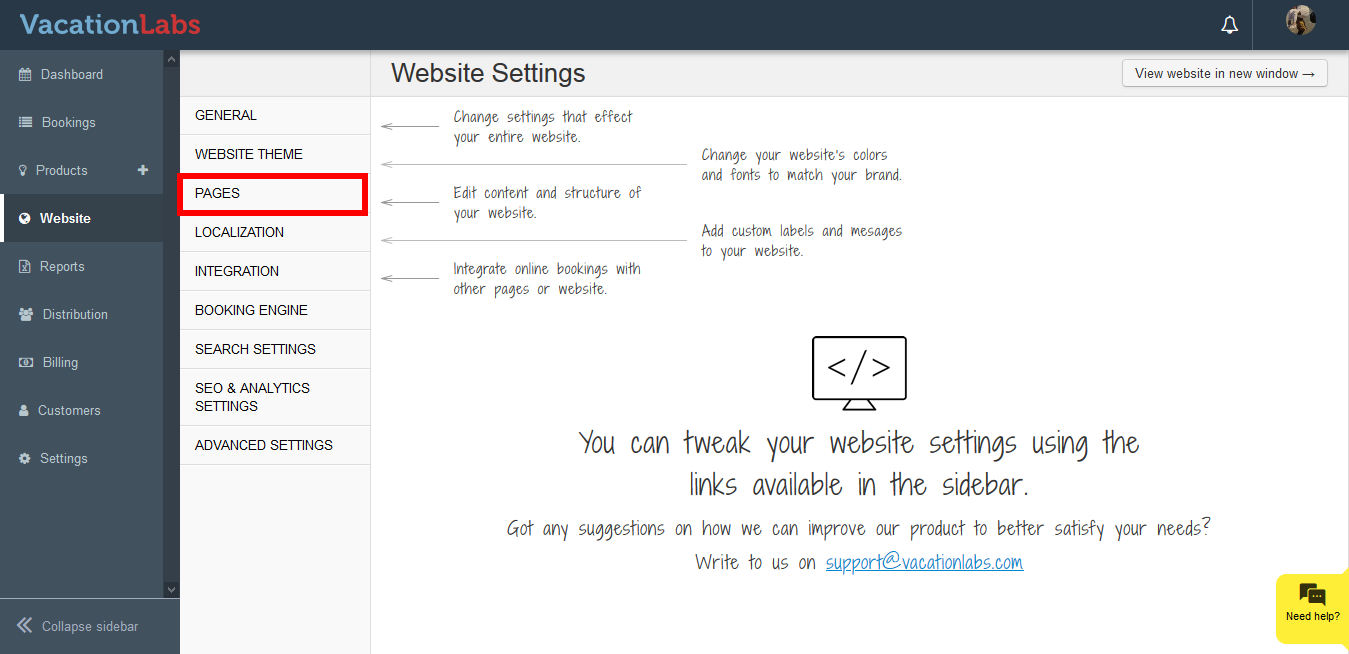 **
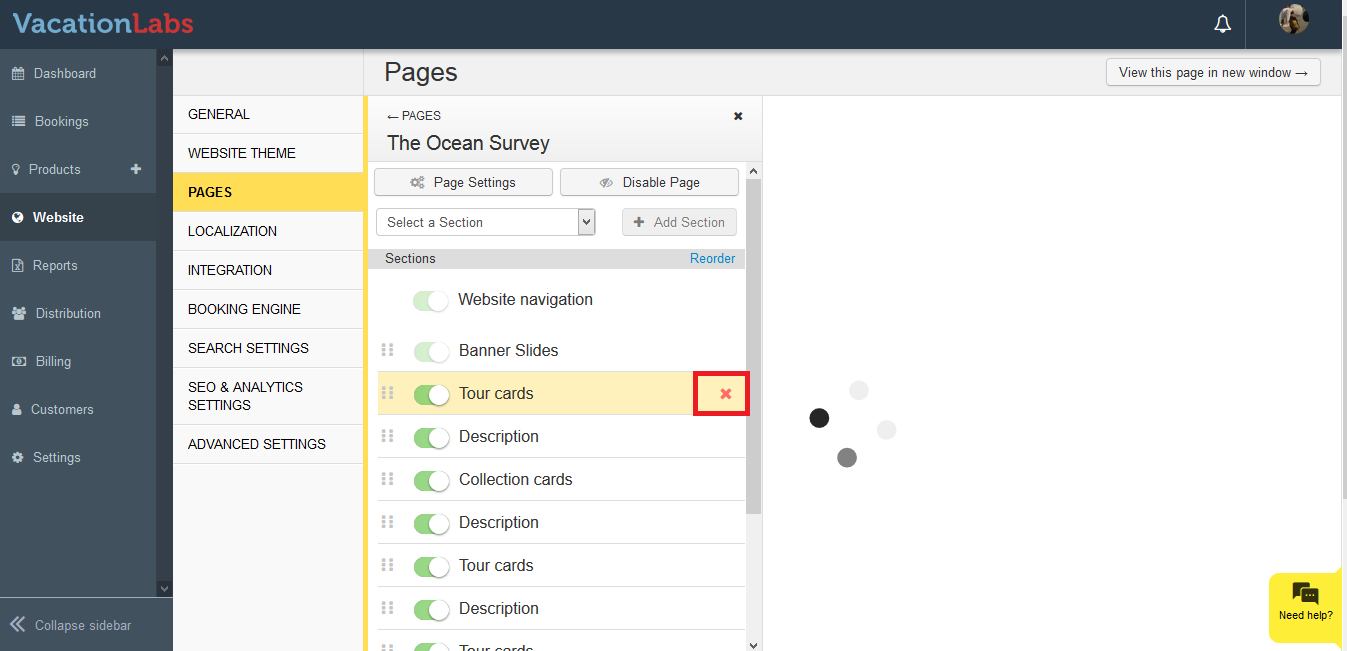
** - Select the Page from which the section needs to be deleted
- Hover over the section and click on the X
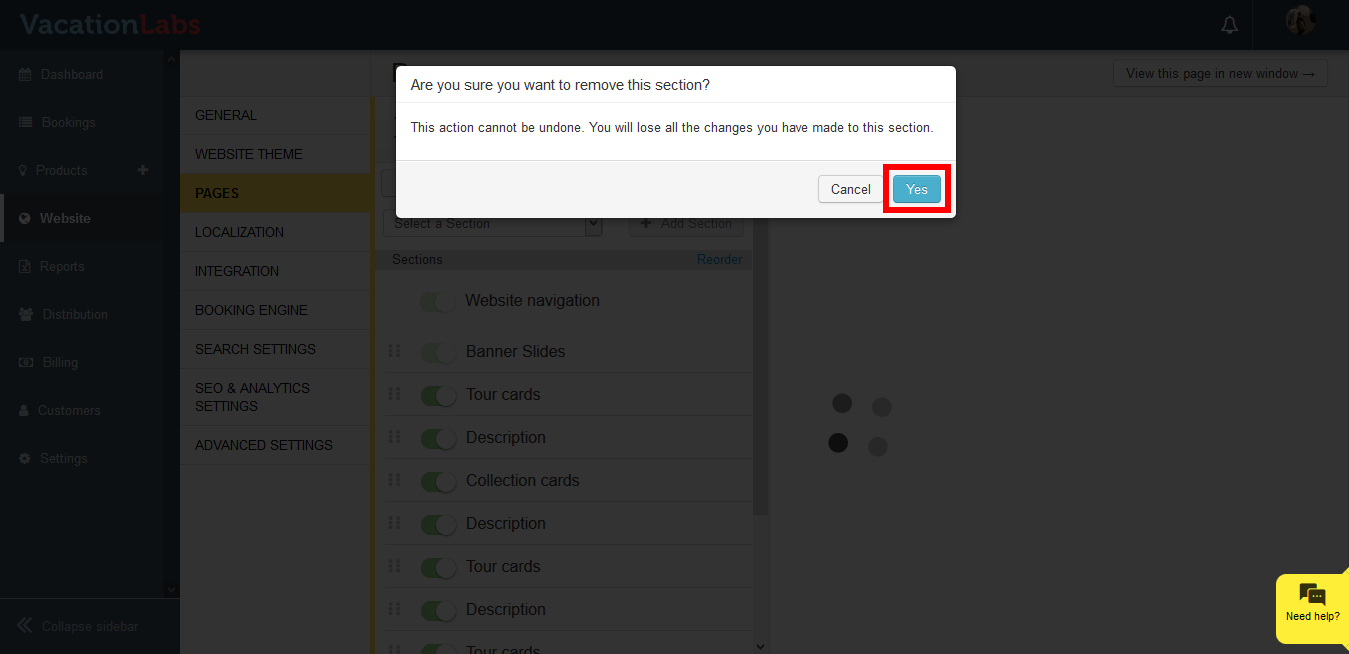
- Click on the Yes to delete the section.
Warning
Please Note: Once you delete the section you won’t be able to retrieve the data displayed in those section.
What’s Next?
You can always deactivate the section in case you don’t want to delete it and simply hide it! Read our article on Deactivating the Website Sections in Vacation labs